Motherboards Classification

Motherboards Classification

Motherboards are always the mainframe in a computing platform, whether a server, desktop, or recycled laptop. These interfaces allow the processors, memory, and all other biological peripherals to communicate effectively and thus contribute to the stability and performance of the computer by providing an interface to connect to other devices. As time has passed, the form and features of motherboards have progressed intensely. The initial motherboards were uncertain and short of advanced features like configured graphics and top-tier networking. However, as technology has become more advanced, motherboards have adopted these features, which have enhanced their performance.

Read more about Motherboards Classification

  • 08V001 Dell

    08V001

    08V001 - Dell System Board (Motherboard) for PowerEdge R7425 V2

    £1,037.57 Incl. VAT: £1,245.08
    Add to Cart
  • 8V001 Dell

    8V001

    8V001 - Dell System Board (Motherboard) for PowerEdge R7425 V2

    £1,037.57 Incl. VAT: £1,245.08
    Add to Cart
  • 923K0 Dell

    923K0

    923K0 - Dell DDR4 System Board (Motherboard) for PowerEdge R740/R740xd Server

    £789.88 Incl. VAT: £947.86
    Add to Cart
  • 0975F3 Dell

    0975F3

    0975F3 - Dell System Board (Motherboard) for PowerEdge T430

    £298.29 Incl. VAT: £357.95
    Add to Cart
  • 975F3 Dell

    975F3

    975F3 - Dell System Board (Motherboard) for PowerEdge T430

    £779.38 Incl. VAT: £935.26
    Add to Cart
  • 9VP66 Dell

    9VP66

    9VP66 - Dell System Board (Motherboard) for PowerEdge R930

    £276.50 Incl. VAT: £331.80
    Add to Cart
  • 09WH54 Dell

    09WH54

    09WH54 - Dell System Board (Motherboard) for Precision T3620

    £67.99 Incl. VAT: £81.59
    Add to Cart
  • 9WH54 Dell

    9WH54

    9WH54 - Dell System Board (Motherboard) for Precision T3620

    £46.25 Incl. VAT: £55.50
    Add to Cart
  • 0CC27G Dell

    0CC27G

    0CC27G - Dell System Board (Motherboard) for Precision 3510 Series

    £158.33 Incl. VAT: £190.00
    Add to Cart
  • 0CP8FC Dell

    0CP8FC

    0CP8FC - Dell System Board (Motherboard) for PowerEdge R210-II Series

    £160.70 Incl. VAT: £192.84
    Add to Cart
  • 0CTHW9 Dell

    0CTHW9

    0CTHW9 - Dell System Board (Motherboard) for PowerEdge FC640/M640

    £479.15 Incl. VAT: £574.98
    Add to Cart

Significance of the Motherboard

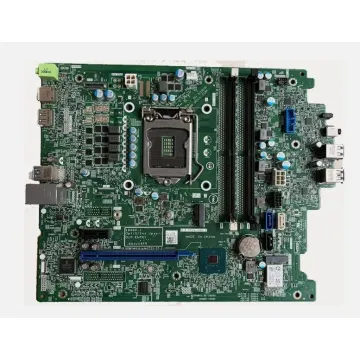
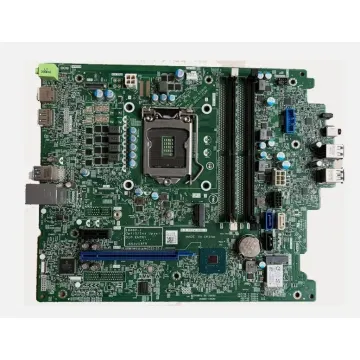
Over time, different types of motherboards appeared for different applications. Hence, the circuit board with different slots on either side for connecting the power supply, processor, hard disc drive, video card, expansion card, and I/O devices was manufactured and created with new bases. This guide covers the classification of motherboards within Server Motherboard, Desktop Motherboard, and Laptop Motherboard. Each serves a specific purpose and comes with unique features and specifications.

Before finding out more about further details, it is essential to understand why a motherboard is necessary. A primary circuit board containing the CPU, RAM, storage devices, expansion cards, and peripheral connectors connects with the help of electrical paths and is connected to communication between the components. A motherboard binds all the computer systems at the same time, permitting communication among all components connected to it through voltage paths. A motherboard is highly important; it ensures stability, performance, and usability.

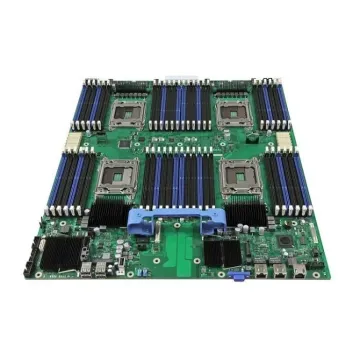
1. Server Motherboards


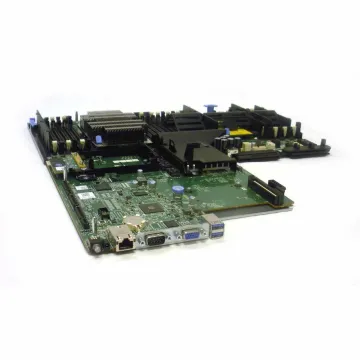
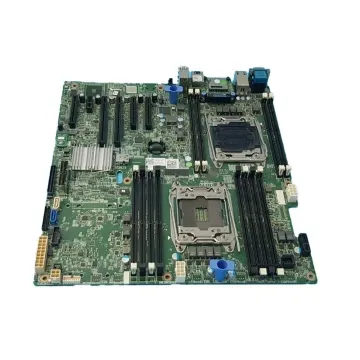
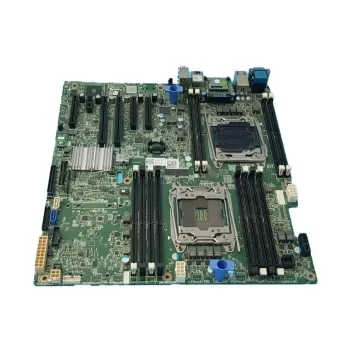
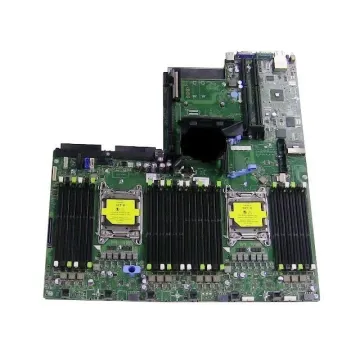
Server motherboards have a design that can handle heavy use. They form the base of enterprise servers and data centres where performance and dependability matter most.

Specifications of Server Motherboards


  • Processor Support: Server motherboards contain high-performance CPUs with many cores and threads. The Intel Xeon and AMD EPYC series processors are also made to handle multi-threading, wich will allow these boards to handle heavy workloads.
  • Memory Capacity: These motherboards feature storage ranging from 64GB to several terabytes, depending on the processor and board type. Thus, this sufficient amount of storage will work well above what most systems generally require.
  • Expansion Slots: Consumers can also facilitate the use of various expansion cards to serve motherboards through PCIe slots. These might contain more network cards, storage controllers, or even GPUs, which helps with more customisation.
  • Storage Options: To ensure quick data access and reliability, these motherboards support many high-speed storage devices. They do this through their numerous SATA, SAS, or NVMe ports.
  • Redundancy Features: Many motherboards come with dual power supplies and RAID support. So, these qualities will help its user in reducing downtime by transferring data when a failure happens, which gives a high level of protection.
  • Networking: There is added support for multiple Ethernet interface ports with greater than 10GbE capabilities for fast data transfer, which can help in improving the data traffic management in these motherboards.

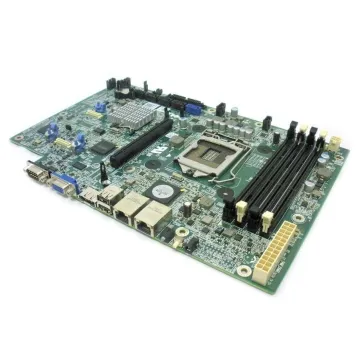
2. Desktop Motherboards


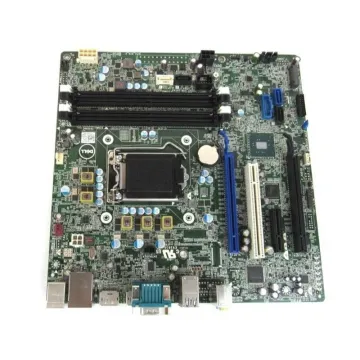
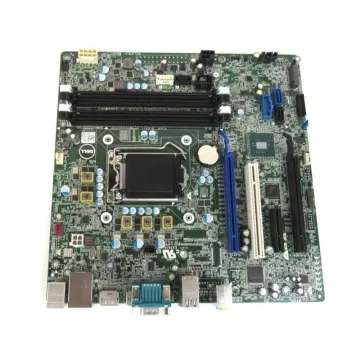
Desktop motherboards are popular on consumer computers like personal desktops and advanced gaming PCs. They provide an optimal balance between performance, power usage, and expansion potential for different functions.

Specifications of Desktop Motherboards


  • Processor Support: Popular processors, like the Intel Core i7, i9, or AMD Ryzen series, support desktop motherboards. Besides, they are good enough to perform common tasks and more advanced tasks like gaming, video editing, and 3D rendering.
  • Memory Capacity: Most desktop motherboards already allow the use of 64GB or 128GB, but many slots of RAM are available, so the extra memory can be used as well.
  • Expansion Slots: Desktop motherboards have PCIe x16 slots if yo want to ass separate graphics cards (GPUs) for gaming or work. Additional PCIe slots are also available for sound cards, network cards, or storage controllers. 
  • Storage Options: These boards have plenty of SATA ports available for hard drives and SSDs. They are beginning to use NVMe M.2 SSDs, which allow faster storage speeds.
  • Connectivity: Many desktop motherboards have USB 3.0/3.1/3.2 ports, HDMI and DisplayPort outputs, and speedy Ethernet connections. Some also have integrated Wi-Fi for wireless internet.
  • Form Factor: People in need of compact systems can get small types like microATX and mini-ITX, but the most common size of desktop motherboards that come in is the ATX size

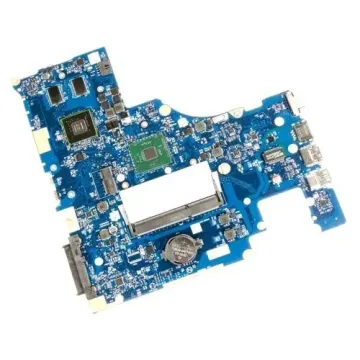
3. Laptop Motherboards


Laptop motherboards are good to utilize, especially in less available space. These devices focus on portability and power efficiency. They are good for laptops while delivering the punch needed for on-the-go computing.

Specifications of Laptop Motherboards


  • Processor Support: Laptop motherboards have energy-efficient processors, such as Intel Core i5, i7, i9, or AMD Ryzen mobile chips. Also, these processors are manufactured to use not as much power and produce less heat, which makes them ideal for laptops. Additionally, they can also balance performance and battery life, for everyday stuff like web surfing, office work, and media playback for you.
  • Memory Capacity: Laptop motherboards can handle 8GB to 32GB of RAM depending on the machine. Some high-end models of fancy gaming or workstation laptops can take up to 64GB.
  • Storage Options: Most laptop motherboards work with M.2 SSDs, which read and write data while taking up less room. Some older models might still have SATA hookups for regular hard drives or SSDs, but you don't see these as much anymore.
  • Power Efficiency: Laptop motherboards are all about saving juice. They are ideal for those who value optimum performance per watt; also, these devices utilise power to ensure that the battery lasts longer.
  • Connectivity: Overall, these motherboards contain in-built Wi-Fi and Bluetooth functionalities, which will ensure smooth wireless connectivity. Moreover, they also come with USB Type-C connectors for fast data transfer and HDMI or mini DisplayPort to help users connect with external devices. Thus, high-quality motherboards are a must-have for all PC and laptop workers.

In short, motherboards should be part of your considered upgrade path, as they ensure system performance and durability, and mean looking at motherboards that can fulfil the demands of your specific case.

So, if you want a modern motherboard but at affordable rates, then you can consider the Bulk Devices to get one.