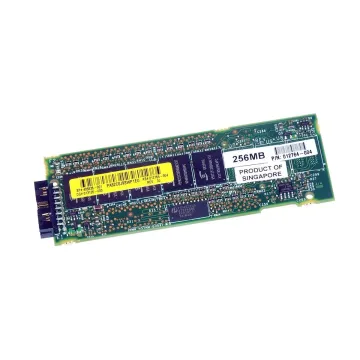
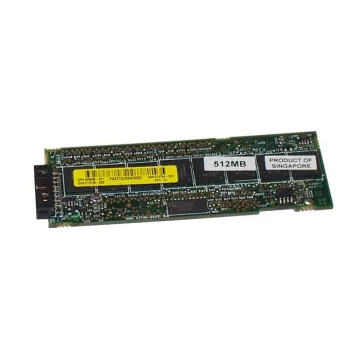
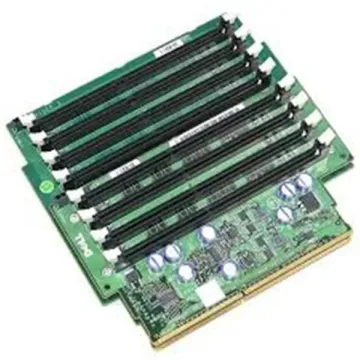
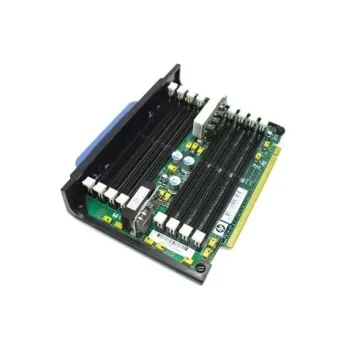
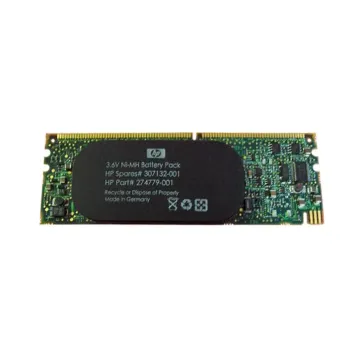
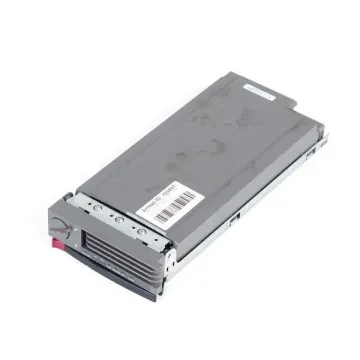
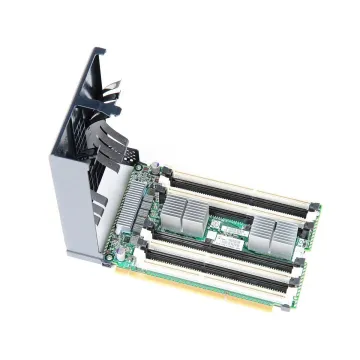
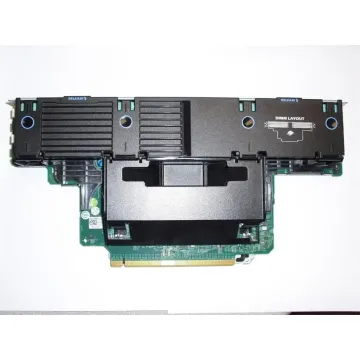
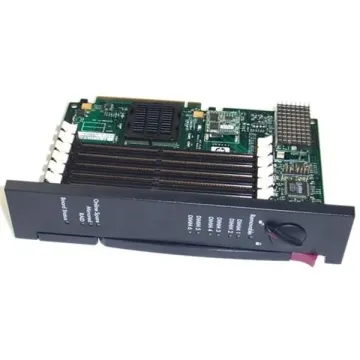
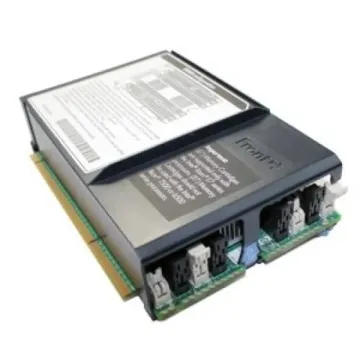
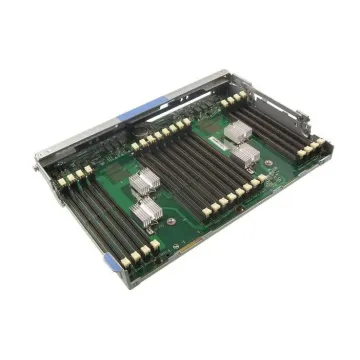
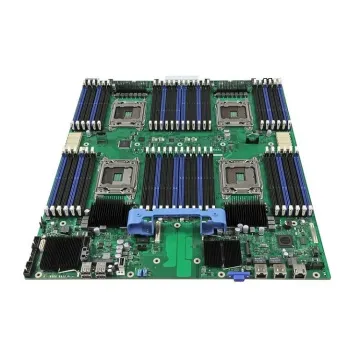
There are several benefits of installing a riser board on your computer, but the main advantage is that memory boards provide better airflow for expansion cards and prevent them from overheating, which in turn enhances the overall system performance.
If you want to buy computer memory boards online in the Uk, then you can check the vast collection of boards at BulkDevices. Our online store holds products from all the best brands at the best prices, so you can buy memory boards online without any hassle.
Types of Memory Boards
When it comes to buying online memory boards, you should know that there are two main types of computer memory boards available.
PCIe Boards: These are the most commonly used types of memory boards in computers. The function of PCIe riser boards is to usually install expansion cards such as RAM modules, graphic processing units (GPU), sound cards, and network cards. They are available in various lengths and form factors including the varying number of slots, so choose the card that fits your needs.
SATA Boards: These are the relatively less common type of computer memory boards. And as the name suggests, they are used to install SATA devices in computers like Hard drives and SSDs. In general, SATA cards are smaller in size the PCIe cards as they do not support the weight of added expansion cards.
How to Install A Computer Memory Board
Installing a computer memory board is a simple process, even for people with no prior experience, you can simply follow the instructions given in the board documentation, or follow the below provided general guidelines:
- Turn off the computer and unplug it from the power outlet.
- Open the computer case.
- Locate the PCIe or SATA slots on the motherboard.
- Insert the riser board into the slots.
- Secure the memory board in place with the screws that are provided with the board.
- Install the expansion cards or SATA devices on the board.
- Close the computer case.
- Turn on the computer and check to make sure that the expansion cards or SATA devices are working properly.
Tips For Buying Memory Boards Online
There are a few factors that you should always consider before buying memory boards online.
Compatibility: When you are shopping for online memory boards, always ensure that your board is compatible with the motherboard and the other expansion cards that you plan to install. Always match the PCIe generation of the riser board and motherboard.
Type: The type of memory board is another important factor and you should select the right one for you according to your needs. If you are buying a memory board for expansion cards then make sure to check if the board is a PCIe card or PCIe slot.
Form factor: Buy the board that has a matching form factor to your case. Memory boards come in different forms such as ATX, MicroATX, and Mini-ITX.