Motherboards Classification
Motherboards Classification
Motherboards are always the mainframe in a computing platform, whether a server, desktop, or recycled laptop. These interfaces allow the processors, memory, and all other biological peripherals to communicate effectively and thus contribute to the stability and performance of the computer by providing an interface to connect to other devices. As time has passed, the form and features of motherboards have progressed intensely. The initial motherboards were uncertain and short of advanced features like configured graphics and top-tier networking. However, as technology has become more advanced, motherboards have adopted these features, which have enhanced their performance.
Read more about Motherboards Classification
-
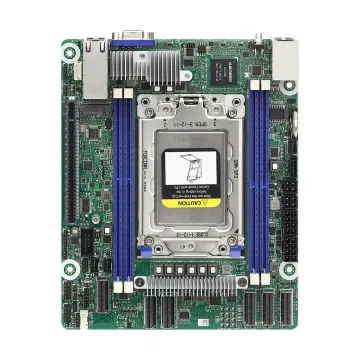
ROMED4ID-2T - AsRock Proprietary(Deep Mini-ITX) Server Motherboard
£479.00
Incl. VAT: £574.80
Add to Cart
-
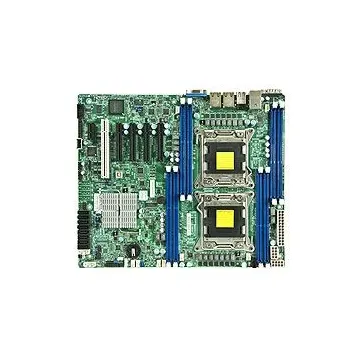
MBD-X9DRL-IF-O - Supermicro Intel C602 Chipset Socket R LGA-2011 Server Motherboard
£1,612.72
Incl. VAT: £1,935.26
Add to Cart
-
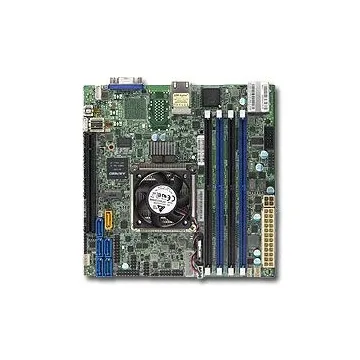
MBD-X10SDV-8C+-LN2F-O - Supermicr Intel D-1540 BGA-1667 Server Motherboard
£990.00
Incl. VAT: £1,188.00
Add to Cart
-
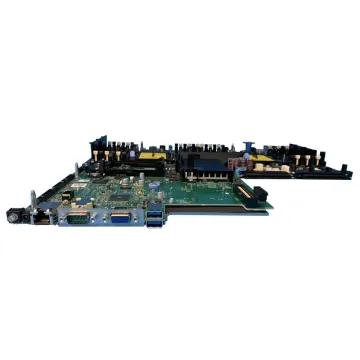
1KPX8 - Dell DDR4 System Board (Motherboard) FCLGA3647 Socket for PowerEdge R740 R740xd Server
£1,657.36
Incl. VAT: £1,988.83
Add to Cart
-
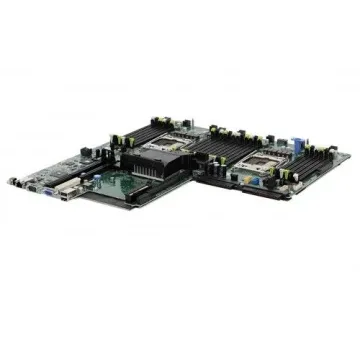
H21J3-NX3230 - Dell Systemboard NX3230 Motherboard
£623.00
Incl. VAT: £747.60
Add to Cart
-
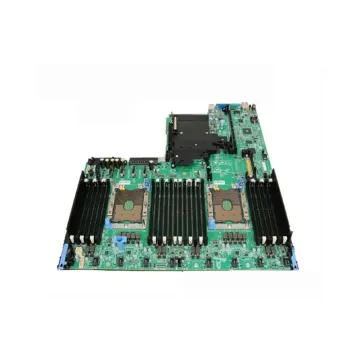
JMK61 - Poweredge R740 / R740XD Inventrec v5 Motherboard
£924.28
Incl. VAT: £1,109.14
Add to Cart
-
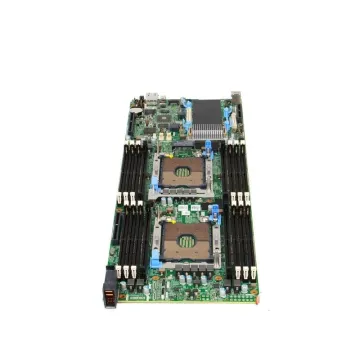
K2TT6 - Dell K2TT6 Motherboard System Board Poweredge C6420 Sled Node Server
Request For Quotation
-
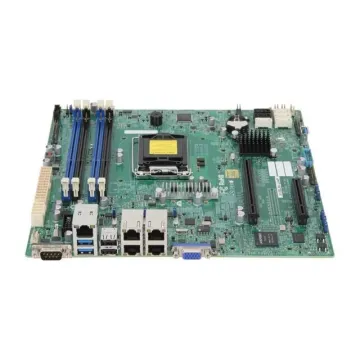
MBD-X10SLM+-LN4F - Supermicro Server Intel C224 LGA 1150 Motherboard
Request For Quotation
-
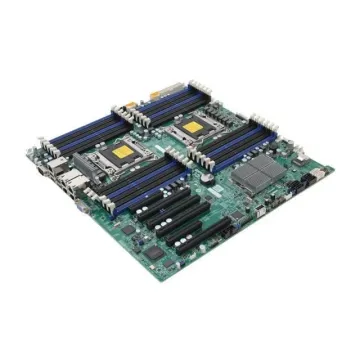
MBD-X9DRI-LN4F+ - Super Micro Computer X9DRi-LN4F+ LGA 2011/Socket R Intel Motherboard
Request For Quotation
-
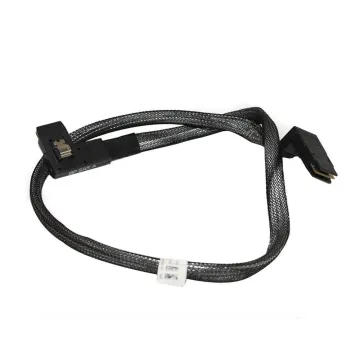
PD91Y - Dell Motherboard Mini SAS Backplane Cable
£50.00
Incl. VAT: £60.00
Add to Cart
-
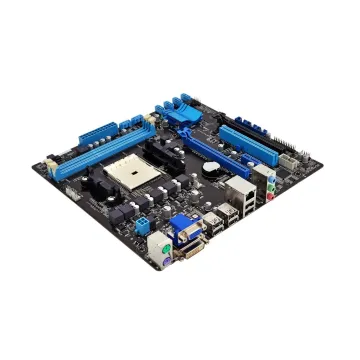
PE1750-LFF-3-J3014 - Dell PowerEdge 1750 3 × 3.5 J3014 Motherboard
£50.00
Incl. VAT: £60.00
Add to Cart
-
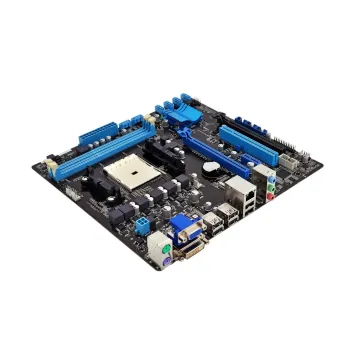
PE1850-LFF-2-D8266 - Dell PowerEdge PE1850 2 × 3.5 D8266 Motherboard
£83.00
Incl. VAT: £99.60
Add to Cart