Motherboards Classification
Motherboards Classification
Motherboards are always the mainframe in a computing platform, whether a server, desktop, or recycled laptop. These interfaces allow the processors, memory, and all other biological peripherals to communicate effectively and thus contribute to the stability and performance of the computer by providing an interface to connect to other devices. As time has passed, the form and features of motherboards have progressed intensely. The initial motherboards were uncertain and short of advanced features like configured graphics and top-tier networking. However, as technology has become more advanced, motherboards have adopted these features, which have enhanced their performance.
Read more about Motherboards Classification
-
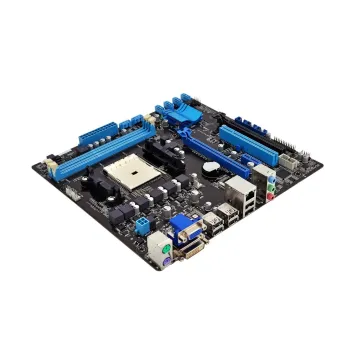
PER730-SFF-8-72T6D - Dell PowerEdge R730 8 × 2.5 72T6D Motherboard
£467.00
Incl. VAT: £560.40
Add to Cart
-
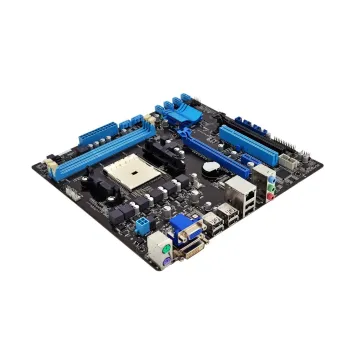
PER730-SFF-8-H21J3 - Dell PowerEdge R730 8 × 2.5 H21J3 Motherboard
£510.00
Incl. VAT: £612.00
Add to Cart
-
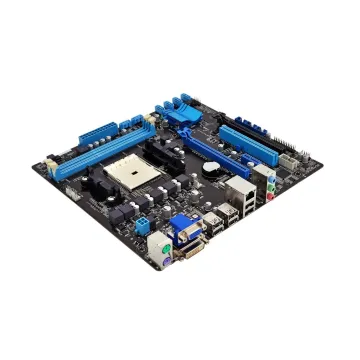
PER740-SFF-8-JMK61 - Dell PowerEdge R740 8 × 2.5 JMK61 Motherboard
£1,245.00
Incl. VAT: £1,494.00
Add to Cart
-
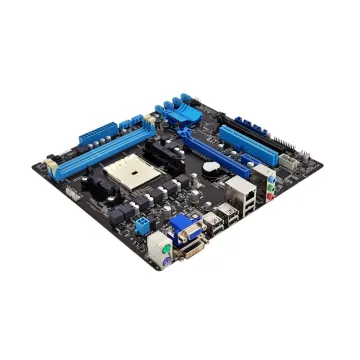
PER810-M9DGR - Dell PowerEdge R810 M9DGR Motherboard
£104.00
Incl. VAT: £124.80
Add to Cart
-
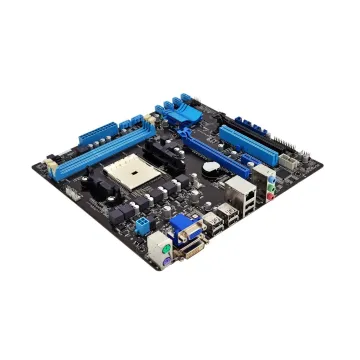
PER810-SFF-6-FDG2M - Dell PowerEdge R810 6 × 2.5 FDG2M Motherboard
£78.00
Incl. VAT: £93.60
Add to Cart
-
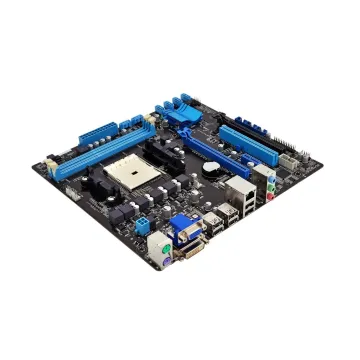
PER810-SFF-6-M9DGR - Dell PowerEdge R810 6 × 2.5 M9DGR Motherboard
£104.00
Incl. VAT: £124.80
Add to Cart
-
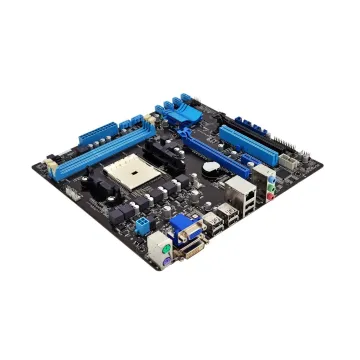
PER820-SFF-16-YWR73 - Dell PowerEdge R820 16x2.5 YWR73 Motherboard
£349.21
Incl. VAT: £419.05
Add to Cart
-
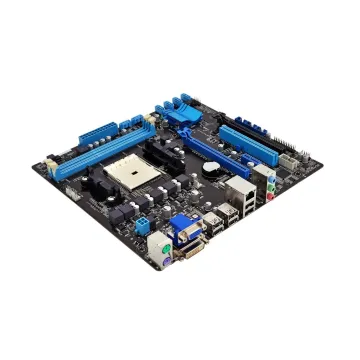
PER820-SFF-8-4K5X5 - Dell R820 8 × 2.5 4K5X5 Motherboard
£208.00
Incl. VAT: £249.60
Add to Cart
-
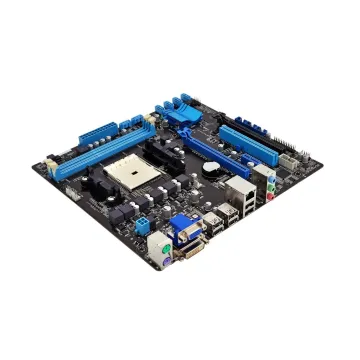
PER820-SFF-8-66N7P - Dell R820 8 × 2.5 66N7P Motherboard
£208.00
Incl. VAT: £249.60
Add to Cart
-
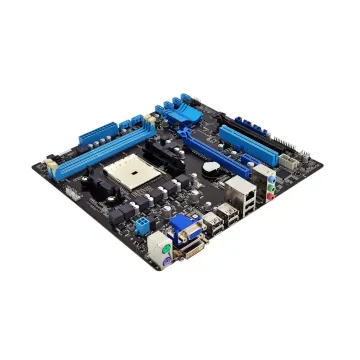
PER820-SFF-8-YWR73 - Dell PowerEdge R820 8 × 2.5 YWR73 Motherboard
£241.18
Incl. VAT: £289.42
Add to Cart
-
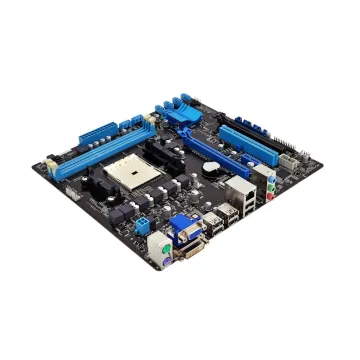
PER905-Y114J - Dell PowerEdge R905 5 × 3.5 Y114J Motherboard
£104.00
Incl. VAT: £124.80
Add to Cart
-
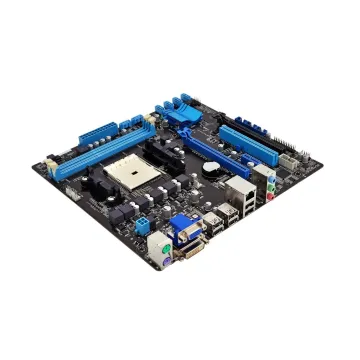
PET610-LFF-8-9CGW2 - Dell PowerEdge T610 8 × 3.5 9CGW2 Motherboard
£156.00
Incl. VAT: £187.20
Add to Cart