
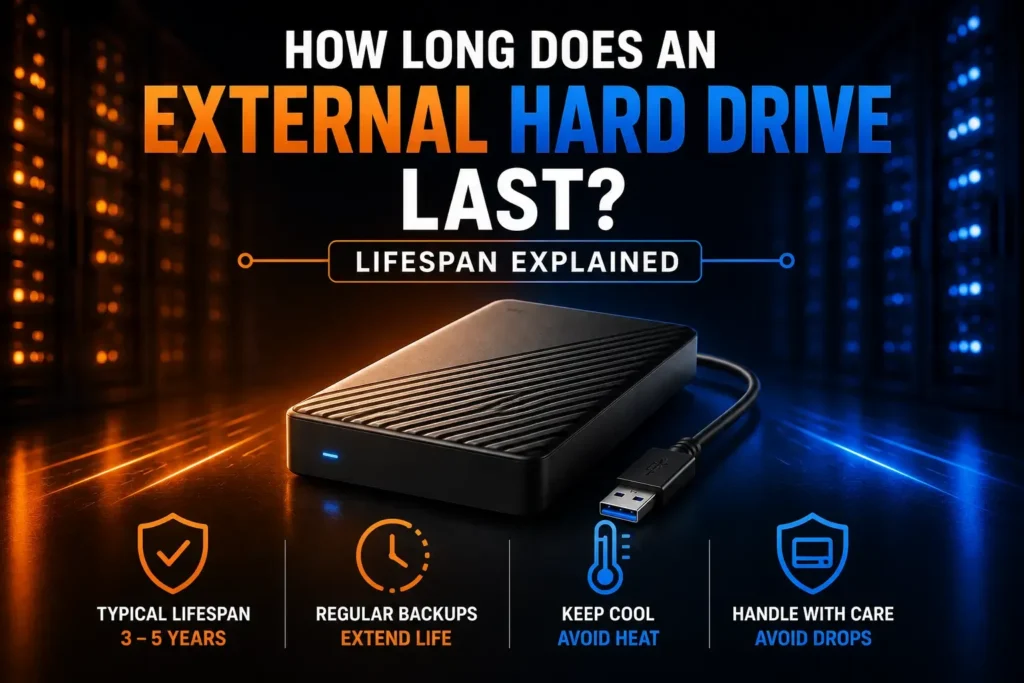
Our minds are like an empty hard drive, and we store our memory, work files, and critical backups elsewhere. But have you ever considered how long does an external hard drive last? Most of us simply connect them in, move some files to and from them, and think they’re an endless source of information. The reality is that these devices do have a finite life, and a device failing unexpectedly at a time when you can’t use it can cause serious data loss.
Quick Answer — How Long Does an External Hard Drive Last?
On average, an external hard drive lifespan is typically between 3 and 5 years. However, higher-quality models can stretch well beyond that under the right conditions.
Here is a quick snapshot of what to expect:
- Average Mechanical Drive (HDD): 3 to 5 years of regular use.
- High-Quality Drives (HDDs/SSDs): 5 to 10 years with light usage and proper care.
- Key Determining Factors: Usage frequency, environmental storage conditions, physical handling, and overall drive quality.
What Affects an External Hard Drive’s Lifespan?
The answer to the question, how long does external drives last? depends on how they are designed and treated. In traditional mechanical drives, the moving read/write heads and tiny spinning platters are used. These parts wear out over time due to friction and mechanical action.
Physical impacts are by far the biggest killer of portable storage. If your mechanical head crashes, your data may be lost forever, even if you drop a small bit off your desk while you’re typing. Another silent enemy is temperature. If the drive runs too hot, it will wear out the components, and dust and moisture will be able to destroy the circuit.
Hardware becomes much more susceptible to being worn out with continuous heavy usage, such as running a NAS system, editing 4K video footage directly from the drive, compared to the storage of monthly system backups. Simply sitting in a drawer is not completely risk-free. Over time, unused drives may have lubricant breakdown or magnetic decay. Last, when the power varies when plugged into a loose USB 3.0 port or an unreliable wall outlet, it can damage sensitive power delivery circuits in an instant.
If your external hard drive is showing signs of wear, don’t rely on guesswork. Our how to check hard drive health guide explains how to test your drive using SMART, CHKDSK, CrystalDiskInfo, and other trusted tools before deciding whether it needs replacing.
Signs Your External Hard Drive Is Failing
Hardware doesn’t normally die before providing some signs. If you’re aware of these warning signs, you can make copies of your files before the drive is seized permanently.
- Strange Noises: Clicking, ticking, or grinding sounds coming from a mechanical HDD mean physical hardware failure is imminent.
- Drastic Slowdowns: Files take a very long time to copy, or a simple folder freezes when you try to open it.
- Corrupted Data: Files appear to disappear, display error codes, or become inaccessible.
- Frequent Disconnects: Dropping the connection to the drive while transferring data repeatedly over USB-C.
- System Recognition Failures: Your computer fails to mount the drive or asks you to format it before you use it.
- Bad Sectors & SMART Alerts: System diagnostic logs indicate an increasing number of Bad Sectors or health warnings.
If you see any of these symptoms, stop writing new data immediately and move your critical data to a safe place now!
External HDD vs External SSD Lifespan
Choosing between a mechanical hard drive and a solid-state drive drastically impacts your device’s durability and overall performance over time.
| Feature | External Mechanical HDD | External Solid-State Drive (SSD) |
|---|---|---|
| Average Lifespan | 3–5 Years | 5–10 Years |
| Durability | Vulnerable to shocks and vibrations | High resistance to drops and bumps |
| Moving Parts | Yes (spinning platters & read heads) | No (flash memory chips) |
| Transfer Speed | Moderate (~100–140 MB/s) | Extremely Fast (1000+ MB/s) |
| Shock Resistance | Low (drops can be fatal) | High (handles drops up to 2 meters) |
| Best Use Case | Budget-friendly bulk data storage | Daily use, travel, and fast file access |
An external SSD’s lifespan will usually last longer since it does not have any moving parts, but bear in mind that while there is no moving part, flash storage can also wear out with intensive writing. Rugged, compact drives such as the Samsung T7 or SanDisk Extreme Portable SSD provide a much higher level of impact protection than traditional spinning drives from brands like Seagate, Western Digital (WD), and Toshiba.
How to Make an External Hard Drive Last Longer
With a few proactive measures, you can easily double your drive’s life and ensure that your data is safe and secure.
Handle with Care: Do not move or bump a mechanical drive while it is spinning and coupled.
Eject Safely: When removing the cable, use the “Safely Remove / Eject” function of your operating system.
Keep It Cool and Clean: Store the drive on a flat, hard surface — not on a bed or couch cushion where heat gets trapped. Keep it away from direct sunlight and dusty corners too.
Travel Smart: Use a padded travel case on portable hard drives to protect from shock and impact when traveling.
Monitor Health – Check the SMART health attributes with diagnostic utility software such as CrystalDiskInfo periodically for signs of wear.
Never Rely on One Drive; stick to the 3-2-1 Cloud Backup rule: Have 2 backups on 2 separate hard drives and 1 backup in the cloud. This is a risk with just one drive.
When Should You Replace an External Hard Drive?
It’s important to understand how long does a hard drive last, but even more important is knowing when to replace it. Proactively replace a drive when:
- It has reached 5 years old and is the only copy of important information.
- Diagnostic software alerts to deteriorating physical errors or Bad Sectors.
- Even if it works for the time being, it has suffered a hard drop.
- Notices physical clicks or continuous disconnects.
It is now much easier and less expensive to replace the old drive before it ever breaks, rather than having to deal with the issues of Data Recovery services, which can cost hundreds of dollars, that you may have to pay for in the future.
Frequently Asked Questions (FAQs)
Can an external hard drive last 10 years?
Yes, external HDD life expectancy can reach 10 years when the drive is of good quality, stored in a climate-controlled environment, and used sparingly. But it is very risky to trust a 10-year-old drive that has critical, unbacked-up information on it, because all components have a tendency to age.
Should I leave my external hard drive plugged in all the time?
It depends on the drive type. Mechanical drives not connected to a mechanical chassis are constantly subjected to idle spinning, power surges, and thermal stress. Unplug it when it is not being used, except if it is being used as an active back-up drive or as desktop storage.
What causes external hard drives to fail?
Physical shock (drops/bumps), high operating heat, electrical power surges, manufacturing defects, and natural mechanical wear over time are the primary causes.
Is an external SSD more reliable than an HDD?
True, SSDs are more reliable in a portable application since they do not contain any moving components inside. They can survive an accidental drop, withstand heat more effectively, and provide significantly higher speeds.
How do I check the health of an external hard drive?
The diagnostic software can be used to read the internal SMART attributes and look for structural errors: CrystalDiskInfo (Windows) or First Aid (macOS).
Conclusion
Eventually, nothing lasts forever. So, how long does an external hard drive last? The typical lifespan is 3-5 years, but with the right care and supervision, it can live much longer. Monitor drive health, be gentle with your hardware, and always keep several backups in place so that no drive failure can spoil your day.