
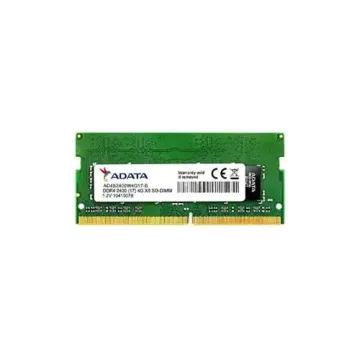
AD4S2400W4G17-B
AD4S2400W4G17-B - ADATA Premier 4GB DDR4-2400MHz PC4-19200 Non-ECC Unbuffered CL17 260-Pin SoDimm 1.2 V Single Rank Memory Module
Request For QuotationAre you tired of a slow and universal laptop? Looking for a smooth way to promote your system's overall performance? Upgrading your PC memory (RAM) is one of the simplest strategies to speed up your PC, improve multitasking, and increase average efficiency. Whether you are a gamer, a specialist with broad applications, or a casual person who wants an easy overall performance, selecting the right DDR4 PC RAM can create a full size difference. We offer a premium selection of laptop memory upgrades to help get the best from our device. Browse our top-selling laptop RAM modules below and find the perfect fit for your system.
Read more about Laptop Memory
AD4S2400W4G17-B - ADATA Premier 4GB DDR4-2400MHz PC4-19200 Non-ECC Unbuffered CL17 260-Pin SoDimm 1.2 V Single Rank Memory Module
Request For Quotation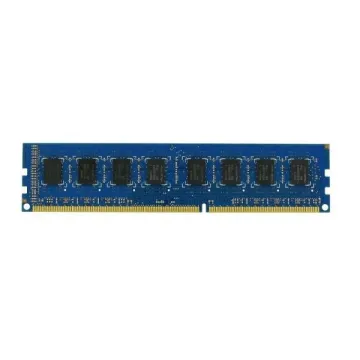
D333SC512 - Super Talent 512MB DDR-333MHz PC-2700 non-ECC Unbuffered CL5 200-Pin SoDimm Memory Module
DTM64610D - Dataram 8GB PC3-12800 DDR3-1600MHz Non-ECC UnBuffered CL11 204-Pin SoDimm Dual Rank Memory Module
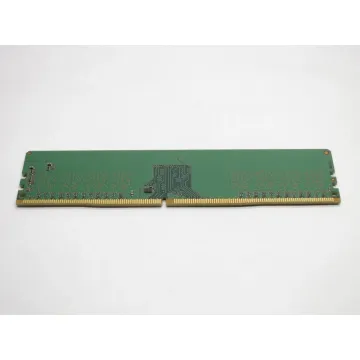
0D4102 - Dell 2GB Kit (2 X 1GB) DDR2-400MHz PC2-3200 Non-ECC UnBuffered CL3 200-Pin SoDimm Dual Rank Memory Module
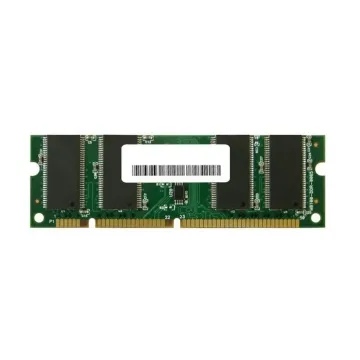
MN2048SD2-667-A1 - PNY Optima 2GB PC2-5300 DDR2-667MHz Non-ECC UnBuffered CL5 200-Pin SoDimm Dual Rank Memory Module

661-5860 - Apple 2GB PC3-10600 DDR3-1333MHz Non-ECC UnBuffered CL9 204-Pin SoDIMM Dual Rank Memory Module
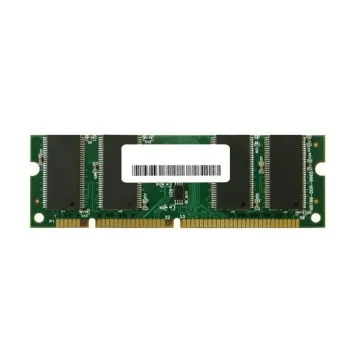
MTA8ATF1G64HZ-3G2E1 - Micron 8GB DDR4-3200MHz Non-ECC UnBuffered CL22 SoDIMM 1.2V 1R Memory Module
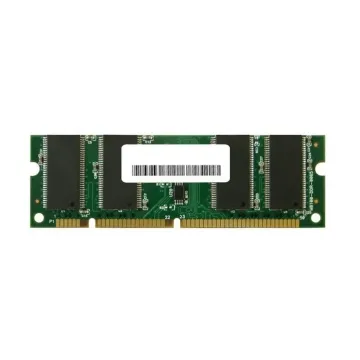
KF426S15IB/8 - Kingston 8GB DDR4-2666 MHz PC4-21300 Non-ECC UnBuffered CL15 260-Pin SODIMM Memory Module

661-4606 - Apple 2GB PC2-5300 DDR2-667MHz Non-ECC UnBuffered CL5 200-Pin SoDIMM Dual Rank Memory Module for MacBook Pro 15

661-4115 - Apple 1GB DDR2-667MHz PC2-5300 Non-ECC UnBuffered CL5 200-Pin SoDIMM Dual Rank Memory Module for MacBook Pro
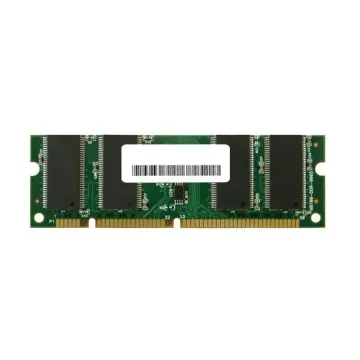
01FR314 - Lenovo 8GB PC4-19200 DDR4-2400MHz ECC UnBuffered CL17 SoDIMM 1.2V Single-Rank Memory Module
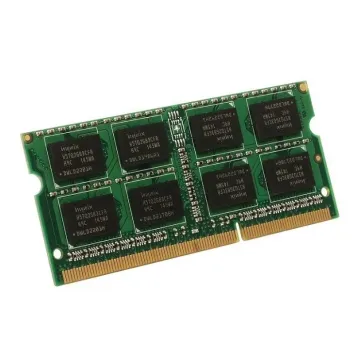
MTA8ATF1G64HZ-2G3E2 - Micron 8GB DDR4-2400MHz Non-ECC UnBuffered CL17 SoDIMM 1.2V 1R Memory Module
If you are looking for a powerful upgrade to enhance your laptop speed and multitasking capacity, HYNix 16GB DDR4 RAM is an excellent choice. This high demonstration is perfect for RAM module gamers, video editors, and power users who demand seamless processing power.
With this HMCG66MEBSA092N 16GB DDR4 module, expect an interval-free experience, whether you are working on complex video editing projects, running several browser tabs, or indulging in high-performing gaming.
For those looking for a budget-friendly, effective laptop memory upgrade, Dell SNP6VDNYC/8G 8GB DDR4 RAM is a great option. This improves everyday performance, making your laptop more sensitive and efficient for normal computing functions.
This SNP6VDNYC/8G DDR4 RAM module is first-rate and applicable for college kids, office users, and casual computer customers who want a problem-loose revel in with higher accountability for everyday sports.
Upgrading the laptop is one of the most cost-effective methods to increase performance without buying a new device. Adding more memory here can greatly improve your computing experience:
Upgrading the laptop is a simple task, even for beginners.
Follow these steps to safely install your new RAM module:
Before purchasing a new RAM module, consider these factors to ensure compatibility with your system:
Invest in a high-quality DDR4 RAM upgrade today! If your laptop looks pale, upgrading your ram is the easiest way to breathe a new life. For gaming and intense functions you need an ultra-fast 16GB RAM or a cheap 8GB option for everyday computing, we have covered you.
At Bulk Devices, we provide high-demonstration laptop memory modules at the best prices. Now shop and experience better efficiency with increased speed, spontaneous multitasking, and a RAM upgrade that matches your needs.