





Printer Memory
BulkDevices is a trusted online printer memory dealer in the UK. If you are in search of a new printer memory device for your printer or are looking for refurbished products to upgrade your old printer, BulkDevices has everything you need in store.
Printer Memory
-
![]()
CE517-60001 - HP 8MB/64MB DDR2 SoDimm Memory
SKU: CE517-60001
Brand: HP
£92.75 £77.29Savings:0.00 -
![]()
CE517A - HP 8mb/64MB DDR2 144 Pin Memory for LaserJet P2015
SKU: CE517A
Brand: HP
£87.94 £73.28Savings:0.00 -
![]()
CE517AB - HP 8MB/64MB DDR2 SoDimm Memory for LaserJet P2015
SKU: CE517AB
Brand: HP
£62.94 £52.45Savings:0.00 -
![]()
CE517AC - HP 8MB/64MB DDR2 SoDimm Memory
SKU: CE517AC
Brand: HP
£102.44 £85.37Savings:0.00 -
![]()
C3169-60001 - HP 2MB Postcript Level 2 72-Pin SIMM for LaserJet 5SI
SKU: C3169-60001
Brand: HP
£129.40 £107.83Savings:0.00 -
![]()
Q2453-60001 - HP 8MB Flash 64MB SDRAM Combo are DIMM Memory for LaserJet 4200/4300
SKU: Q2453-60001
Brand: HP
£129.78 £108.15Savings:0.00 -
![]()
Q2453B - HP 8MB/64MB SDRAM Combo DIMM Memory for LaserJet 4200/4300
SKU: Q2453B
Brand: HP
Savings:0.00 -
![]()
Q2453BA - HP 8MB/64MB SDRAM Combo DIMM Memory for LaserJet 4200/4300
SKU: Q2453BA
Brand: HP
£56.27 £46.89Savings:0.00 -
![]()
Q2453BD - HP 8MB/64MB SDRAM Combo DIMM Memory for LaserJet 4200/4300
SKU: Q2453BD
Brand: HP
£56.27 £46.89Savings:0.00 -
![]()
Q2453BF - HP 8MB/64MB SDRAM Combo DIMM Memory for LaserJet 4200/4300
SKU: Q2453BF
Brand: HP
£56.27 £46.89Savings:0.00 -
![]()
Q2453BG - HP 8MB/64MB SDRAM Combo DIMM Memory for LaserJet 4200/4300
SKU: Q2453BG
Brand: HP
£56.27 £46.89Savings:0.00 -
![]()
Q2453BK - HP 8MB/64MB SDRAM Combo DIMM Memory for LaserJet 4200/4300
SKU: Q2453BK
Brand: HP
£56.27 £46.89Savings:0.00
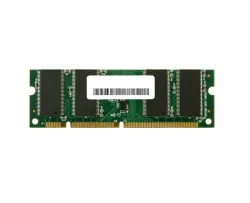
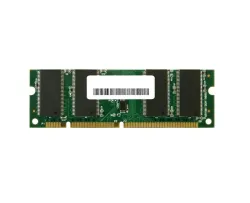
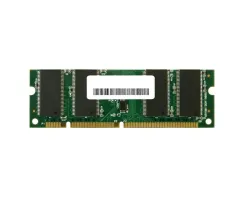

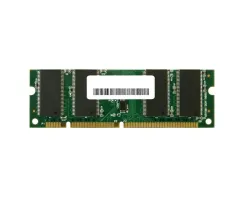

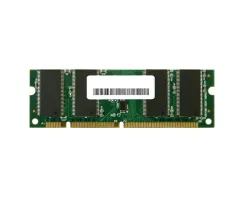
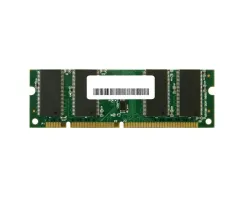
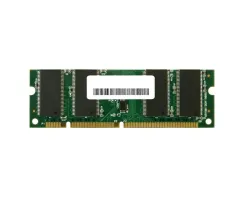
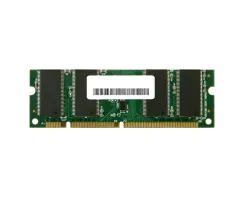
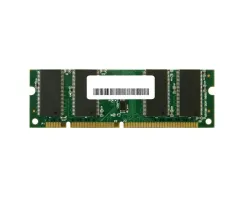
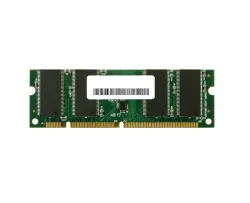

Featured Products


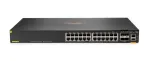
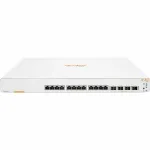
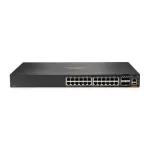
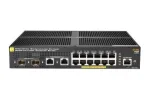
What Is Desktop Printer Memory
Similar to computers, in printers the printer memory is the storage space that the printer uses to hold the data while it is being processed for printing. This data can be in multiple formats like text, and images. Printer memory is an important feature for any printer as greater memory allows the printer to hold and process more data in a given time.
If you want to buy printer memory online then Bulkdevices.co.uk is the perfect place. Our store of a vast variety of printer memory products has everything you need for your printer. You can also easily find new printers & Cartridges and other printer accessories.
Types of Printer Memory
Just like computers, printers also require two main types of memory:
Random Access Memory (RAM): This is the working memory of the printer, and it stores data that the printer needs to access quickly, such as the current print job, fonts, and graphics. RAM is volatile printer memory, which means that it is lost when the printer is turned off.
Read Only Memory (ROM): On the contrary, ROM is the permanent memory of the printer, and it stores the printer's firmware, which is the software that controls the printer's operation. ROM is non-volatile memory, which means that it is not lost when the printer is turned off.
How Much Printer Memory Do You Need For Your Printer?
The answer to this question is not straightforward as every printer has its own requirement and needs and the amount of memory it needs depends on certain factors. But, generally speaking, the estimated amount of printer memory needed for different types of printers is given below:
Black & White Printers: 32MB to 64MB of RAM is typically sufficient for most users. If you print a lot of complex graphics or documents, you may benefit from upgrading to 128MB of RAM.
Colour Laser Printers: 128MB of RAM is the minimum recommended amount for colour laser printers. If you print a lot of high-resolution images or complex documents, you may need more RAM.
Inkjet Printers: Inkjet printers typically have less RAM than laser printers. 32MB to 64MB of RAM is usually sufficient for most users.
Tips to Optimize Printer Memory
To manage the printer's memory and utilize it at its optimum performance you can follow the general guidelines given below:
- Print multiple documents at once. This will help to reduce the amount of memory that is needed to process each document.
- Use a printer driver that is optimized for your specific printer. This will ensure that the printer is using its memory efficiently.
- Avoid printing large documents or photos. If you do need to print these types of documents, you can try reducing the resolution or the number of colours.
- Keep your printer's software up to date. It will improve the printer's performance and may also include memory optimizations.
Get the best deals for buying desktop printer memory online from BulkDevices. We provide products from a range of top brands, so you can the best products according to you your budget.