- Volatile Memory: This kind loses its data when you turn off the power. Random-Access Memory (RAM) is the most common type. It holds the data and instructions the CPU needs for a short time.
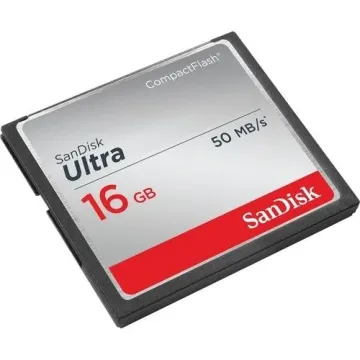
- Non-Volatile Memory: This type keeps data even when you turn off the system. Read-Only Memory (ROM) and flash memory are examples. They store data for a long time.
Server Memory
Servers form the core of data centers and big business settings. They need memory that's reliable, can grow, and works fast. Some key features of server memory are
- Error-Correcting Code (ECC) Memory: The ECC memory can spot and fix data errors inside the system, which makes it important to keep data safe in server work.
- Registered (Buffered) Memory: It implements a register between the DRAM units and the system's memory controller that helps in stabilizing electrical loads while allowing servers to manage bigger amounts of memory proficiently.
- High Capacity and Scalability: Server memory devices generally come equipped with superior memory sizes as compared to desktop and laptop memory, as they support the wide-ranging data processing needs of enterprise applications.
- Advanced Memory Technologies: Servers extensively utilize up-to-date memory technologies, such as DDR5, which will give higher bandwidth and improved energy performance as related to their predecessors.
Desktop Memory
A desktop computer is an effective system that is utilized both at home and in the workplace. Also, desktops utilize a combination of large and economical types of memory, which balances both workflow and cost.
Key Features Include
- Unbuffered DIMMs (UDIMMs): These types of DIMMs are most popularly utilised because they are not only less expensive and faster, but they also come with lower limits than registered memory.
- Standard Capacities: Memory modules are generally utilized for desktops and come with 4 GB to 32 GB storage per module that can cover all basic tasks such as gaming and other proficient activities.
- Upgrade Flexibility: Many users often look to increase the memory capacity, which is achievable using open slots available in desktops.
- Remote Desktop Connection: Both older and newer desktops are equipped with DDR4 memory. However, there is a gradual shift towards newer systems utilizing more powerful and effective DDR5.
Laptop Memory
While designing a laptop, the most important factors to be considered are portability and energy efficiency, which also influence the type of memory these devices will have.
Key Features Include
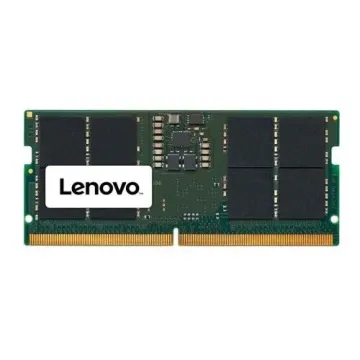
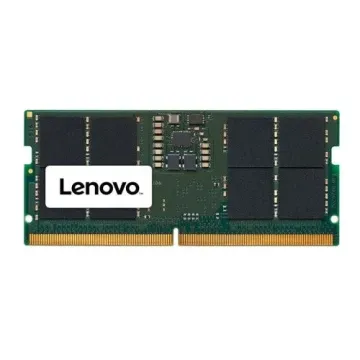
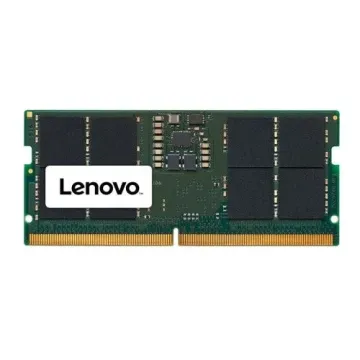
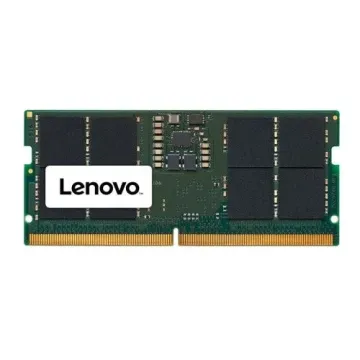
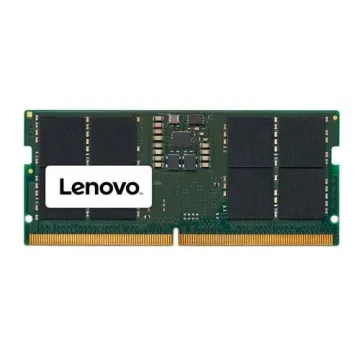
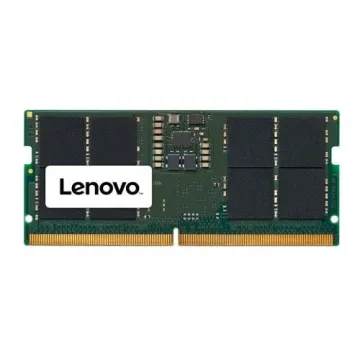
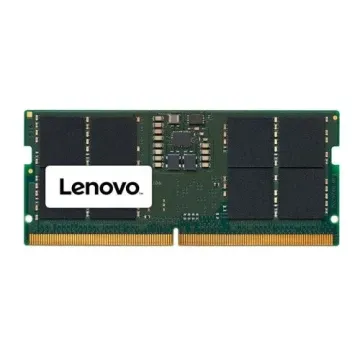
- Small Outline DIMMs (SO-DIMMs): Also, due to conformational limits, laptops utilise minor SO-DIMMs instead of the ordinary DIMMs.
- Lower Power Consumption: Moreover, if you want to achieve extended battery life, which is considered necessary for mobile computing, laptop memory is configured to be less power-demanding.
- Capacity Considerations: Moreover, laptop memory modules generally come with a range of memory from 4 GB to 16 GB, with even higher sizes available in premium models.
- Soldered vs. Replaceable Modules: In addition, some advanced laptops have memory linked onto the motherboard, which limits upgrade options, while others provide available holes for memory growth.
Memory Specifications and Performance
Several technical specifications influence memory performance across all device types:
- Data Transfer Rate: It is measured in high-speed data transmission rates, as higher rates show the faster data processing abilities.
- Latency: Also, its lower latency gives quicker access to data while enhancing overall system workflow.
- Bandwidth: Also, the quantity of data can be transferred in a given time period, which will give higher bandwidth support for more intensive applications.
- Voltage: Moreover, the lower operating voltages will reduce the power consumption and heat generation, which will be helpful for energy efficiency.
Advancements In Memory Technology
The development of memory technology has continued to impact computing performance:
- Transition from DDR4 to DDR5: DDR5 memory contains more improved features when we compare it with DDR4, such as greater capacity, higher speeds, and lower energy consumption. So, these advancements help to resolve the increasing demands of contemporary applications, as well as operating systems.
- Integration Trends: Some manufacturers are trying to integrate memory directly onto the processor package in a bid to improve performance and power efficiency. But these methods are being reconsidered due to high costs and limited upgradeability. For example, Intel has stated that they will switch to using traditional memory modules in future laptop designs, as there is a need for flexibility and low cost.
Choosing the Right Memory
If you want to choose the right memory that can be smoothly integrated into your system, the following items should be considered by you.
- Compatibility: Make sure to verify first that your motherboard supports the type of memory you want to use, DDR4 or DDR5.
- Capacity Needs: You should consider your normal workload to figure out how much capacity will be enough. For general work, an 8 GB memory might do, but for gaming or professional work, 16 GB or over would be important.
- Future Proofing: Choose memory modules that can be upgraded in the future, especially in desktops and servers, to keep up with changes in software.
Thus, by understanding memory classifications and their detailed attributes, you can easily grab the optimized performance and consistency of your computing systems. It doesn’t matter if you want to integrate a high-performance server, a multipurpose desktop, or a moveable laptop; choosing the suitable memory will ensure that your system will operate proficiently and will meet all of your computing requirements.
FAQs
Can I Use Desktop Memory in My Laptop?
No, desktop memory modules and laptop memory modules have different sizes and pins.