Memory

Memory

Memory is an important part of a computer that is responsible for preserving and extracting essential data for numerous work processes. Moreover, these devices also serve as temporary or permanent storage devices, allowing the system to access, process, and manage information efficiently. Also, the absence of sufficient memory will undoubtedly hinder computers from performing functions effectively, resulting in a low processing rate and the inability to multitask. Nevertheless, knowing the various types and their divisions of memory is fundamental in improving the processing capabilities. So, let's discuss the numerous memory classifications and explore the specifics of server, desktop, and laptop memory.

Read more about Memory

  • 013224-002 HP

    013224-002

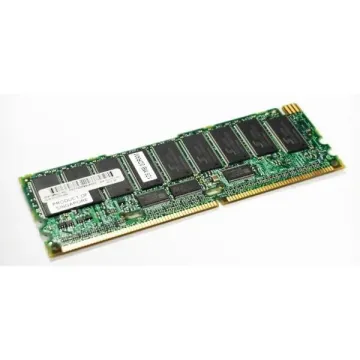
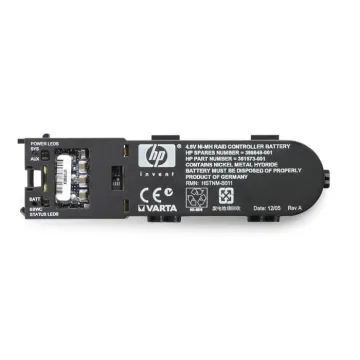
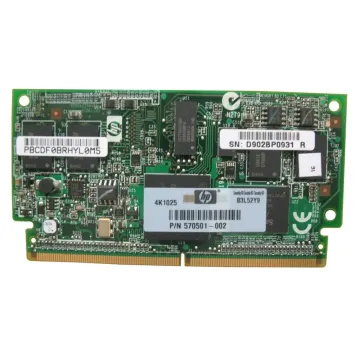
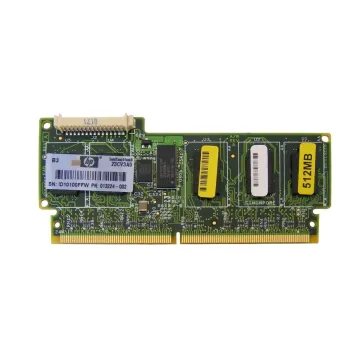
    013224-002 - HP 512MB BBWC (Battery Backed Write Cache) Memory Module for Smart Array P212/P410/P411 Controller

    £49.00 Incl. VAT: £58.80
    Add to Cart
  • 203320-B21 HP

    203320-B21

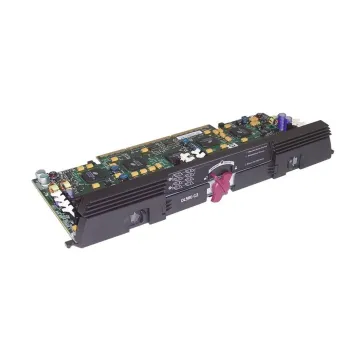
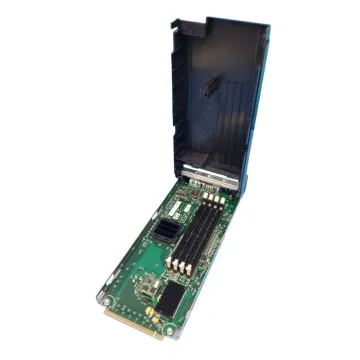
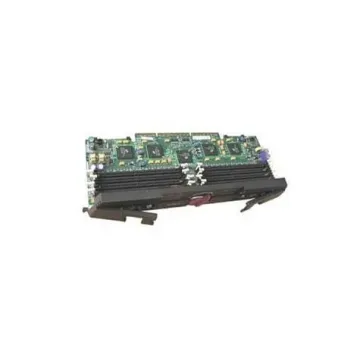
    203320-B21 - HP Hot-Plug Memory Expansion Board for HP ProLiant DL580 G2 Server

    £146.11 Incl. VAT: £175.33
    Add to Cart
  • 231126-001 HP

    231126-001

    231126-001 - HP Hot-Plug Memory Expansion Board for HP ProLiant DL580 G2 Server

    £85.54 Incl. VAT: £102.65
    Add to Cart
  • 260741-001 HP

    260741-001

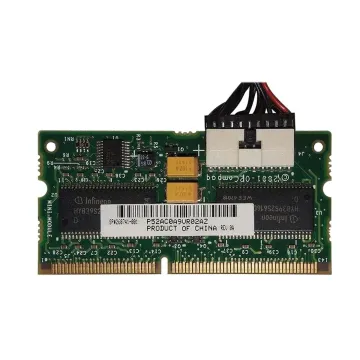
    260741-001 - HP 64MB Cache Enabler for Smart Array 5i Plus Controller

    £85.54 Incl. VAT: £102.65
    Add to Cart
  • 309521-001 HP

    309521-001

    309521-001 - HP 128MB Cache with Battery Backup Memory Board Module for 6402 Smart Array RAID Controller

    £92.65 Incl. VAT: £111.18
    Add to Cart
  • 356272-001 HP

    356272-001

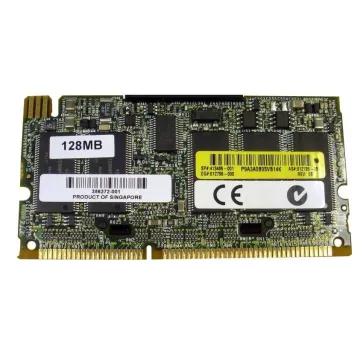
    356272-001 - HP 128MB DDR BBWC Enabler Memory for Smart Array 641/642 Controllers

    £85.54 Incl. VAT: £102.65
    Add to Cart
  • 405148-B21 HP

    405148-B21

    405148-B21 - HP 512MB Battery Backed Write Cache (BBWC) Upgrade for HP Smart Array P400

    £181.03 Incl. VAT: £217.24
    Add to Cart
  • 452179-B21 HP

    452179-B21

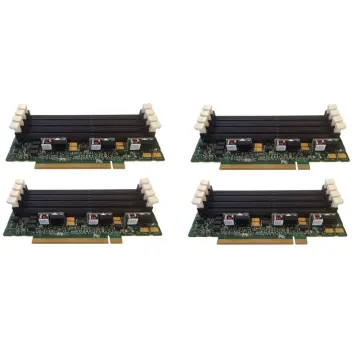
    452179-B21 - HP Memory Expansion Board for ProLiant DL580 G5 Server (4-Pack)

    £120.04 Incl. VAT: £144.05
    Add to Cart
  • 462968-B21 HP

    462968-B21

    462968-B21 - HP 256MB P-Series Cache Upgrade Memory for Smart Array P212 Controller Only

    £85.54 Incl. VAT: £102.65
    Add to Cart
  • 505908-001 HP

    505908-001

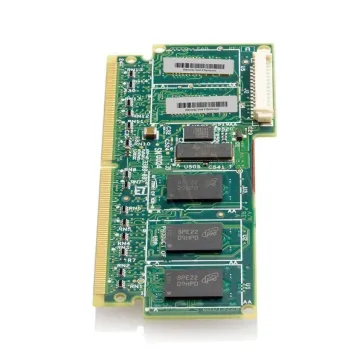
    505908-001 - HP 1GB FBWC (Flash Backed Write Cache) Memory Module for Smart Array P212/P410/P411 Controller

    £48.00 Incl. VAT: £57.60
    Add to Cart
  • 534562-B21 HP

    534562-B21

    534562-B21 - HP 1GB FBWC (Flash Backed Write Cache) Memory Module for Smart Array P212/P410/P411 Controller

    £75.25 Incl. VAT: £90.30
    Add to Cart

Memory Classification

Data storage units, or memory, can be generally categorized based on their volatility, mutability, user-friendliness, and future use:

Volatile vs. Non-Volatile Memory


  • Volatile Memory: It requires power to preserve stored information. Also, when the system is powered off, the data is lost. However, the primary example is Random Access Memory (RAM), which will provide fast read and write access for active processes.

  • Non-Volatile Memory: It stores data even when the system is powered down. Examples include Read-Only Memory (ROM), flash memory, and hard disc drives (HDDs).

    Mutable vs. Immutable Memory


  • Mutable Memory: It allows both read and write operations. Furthermore, this RAM is mutable, allowing dynamic data management.

  • Immutable Memory: These devices were utilized primarily for reading purposes only while data was written during manufacturing or through specific processes. Also, the ROM is typically immutable under standard operation conditions.

    Random Access vs. Sequential Access Memory


  • Random Access Memory: It allows data to be read and written in any order while giving quick access times. For deep understanding, the RAM is an ideal example.

  • Sequential Access Memory: Data is read or recovered in a fixed order, one step at a time. Magnetic tapes are a classic example, where accessing specific data requires reading through preceding information.

    Server Memory


    Server memory is another kind of memory to handle the demanding workloads and multitasking requirements of server surroundings:

  • Error-Correcting Code (ECC) Memory: ECC memory senses and corrects common kinds of inner data corruption while improving data reliability, which is an important feature for servers where data configuration is a top priority.

  • Registered (Buffered) Memory: It connects a DRAM register with the system’s memory controller through a “registered” module, which helps stabilize electrical loads, enabling servers to accommodate greater memory without performance drawbacks.

  • High Capacity and Scalability: Compared to laptop and desktop memory, server memory modules are usually of much higher capacity. This increases the capability to manage large databases and handle virtualization and allows many users to access them simultaneously.

  • Advanced Memory Technologies: They are also among the first to adopt new generations of memory; for instance, servers are the first to use DDR5 because it has more bandwidth and is more efficient at producing power than DDR4. 

    Desktop Memory 


    Desktop memory is versatile, striking the right balance between performance and cost for a variety of users. 

  • DIMM Form Factor: Dual Inline Memory Module is a type of desktop memory used with desktops. DIMMs have larger physical dimensions, allowing more memory chips to sit on the module. In addition, it enabled faster memory capacities and data transfer rates.

  • Non-ECC Memory: Non-ECC memory must be the most used type of memory in computers. It is economically friendly and sufficient for general computing, which doesn’t need all the precision of data integrity.

  • Upgradeable and Customisable: Desktop computers contain multiple random-access memory holes, which means users can connect more RAM and can upgrade the system's abilities for gaming, content creation, and multitasking.

  • DDR4 and DDR5: Advanced desktops also feature DDR4 memory, while newer systems transition to DDR5, which provides higher speeds and better-quality efficiency.

    Laptop Memory


    Laptop memory is designed with compactness and energy proficiency in mind:

  • SO-DIMM Form Factor: Laptops employ Small Outline DIMMs (SO-DIMMs) with a greater density compared to desktop DIMMs to suit the narrower designs of portable devices.

  • Low Power Consumption: In addition, the memory modules used in laptops are further enhanced to operate at lower power levels in order to get optimal battery life, which is necessary for mobile computing.

  • Limited Upgradeability: A lot of modern laptops have the memory permanently soldered to the motherboard, which greatly limits or completely removes opportunities for upgrading. So, if you are choosing a laptop, consideration of future memory requirements is essential for you if you have a wish to upgrade, but it isn't always an option.

  • Performance Considerations: Besides, laptop memory may be somewhat slower than desktop memory due to having higher latencies; many technological innovations have closed off the gap in laptop performance, which makes them ideal for use with demanding applications.

    Overall, by understanding memory classifications and the specific attributes of server, desktop, and laptop memory, you may select the suitable devices for your computing requirements. Moreover, server memory dependability, potential, and capacity give flexibility and performance, and laptop memory focuses on compactness and energy efficiency. In short, if you stay informed about the latest memory technologies, such as the transition from DDR4 to DDR5, it can further enhance system performance and future-proof your investment. Consequently, if you are looking to purchase memory devices, then you should consider getting one through the Bulk Devices, as we have a premium collection of these devices at affordable rates. So, order now.