
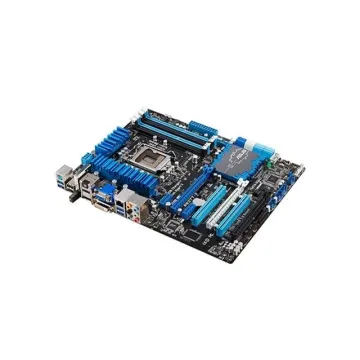
A2SDV-4C-LN10PF
A2SDV-4C-LN10PF - Supermicro FlexATX Intel Atom C3558 FCBGA-1310 DDR4 Motherboard
Request For QuotationMotherboards are always the mainframe in a computing platform, whether a server, desktop, or recycled laptop. These interfaces allow the processors, memory, and all other biological peripherals to communicate effectively and thus contribute to the stability and performance of the computer by providing an interface to connect to other devices. As time has passed, the form and features of motherboards have progressed intensely. The initial motherboards were uncertain and short of advanced features like configured graphics and top-tier networking. However, as technology has become more advanced, motherboards have adopted these features, which have enhanced their performance.
Read more about Motherboards Classification
A2SDV-4C-LN10PF - Supermicro FlexATX Intel Atom C3558 FCBGA-1310 DDR4 Motherboard
Request For Quotation
0HVWDP - Dell System Board (Motherboard) for Inspiron 15 5555 Laptop

0CKWW7 - Dell System Board (Motherboard) for Inspiron 7779 Laptop
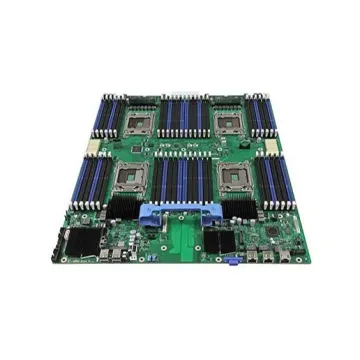
09G864 - Dell Socket-370 System Board (Motherboard) for PowerEdge 2550
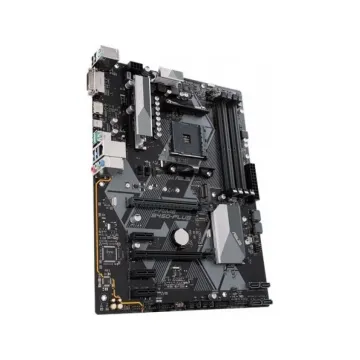
90MB0YN0-M0EAY0 - ASUS Prime B450-Plus System board (Motherboard)
90MB12R0-M0EAY0 - ASUS ROG Maximus XII Hero (Wi-Fi) System Board (Motherboard)
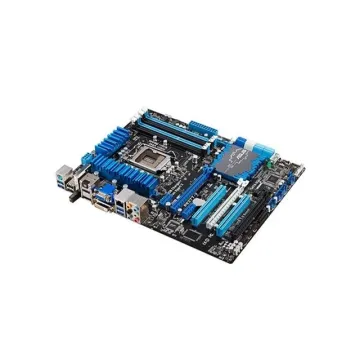
H2213 - Dell System Board (Motherboard) for PowerEdge R730 R730XD
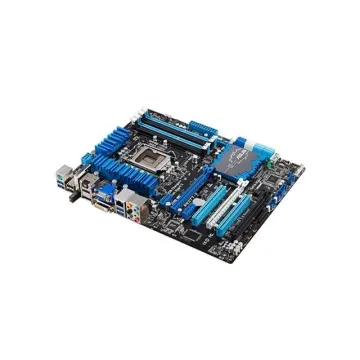
MBD-X11DPI-NT-O - SuperMicro Intel C622 Chipset System Board (Motherboard)

0D28VG - Dell DDR3 BGA1288 Socket System Board (Motherboard) for Latitude E4310
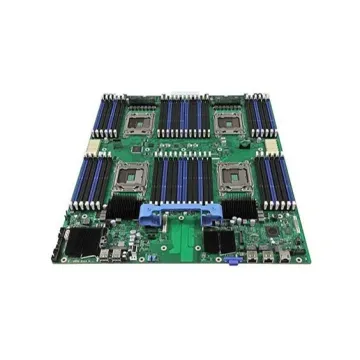
01PP0V - Dell System Board (Motherboard) Dual Socket FCLGA1366 for PowerEdge R420
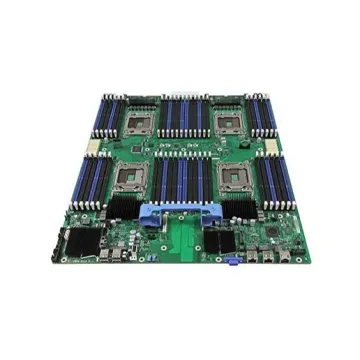
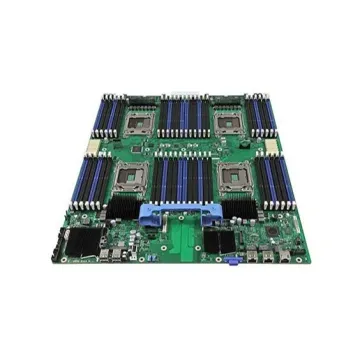
0XWDCF - Dell Socket LGA2011 Intel C600 Chipset System Board (Motherboard) for PowerEdge R620 Supports 2x Xeon E5-2600 / E5-2600 v2 Series DDR3 24x DIMM
0YH90J - Dell System Board (Motherboard) with Intel I7-7700Hq 2.8GHz CPU for XPS 15 9560 Laptop
Over time, different types of motherboards appeared for different applications. Hence, the circuit board with different slots on either side for connecting the power supply, processor, hard disc drive, video card, expansion card, and I/O devices was manufactured and created with new bases. This guide covers the classification of motherboards within Server Motherboard, Desktop Motherboard, and Laptop Motherboard. Each serves a specific purpose and comes with unique features and specifications.
Before finding out more about further details, it is essential to understand why a motherboard is necessary. A primary circuit board containing the CPU, RAM, storage devices, expansion cards, and peripheral connectors connects with the help of electrical paths and is connected to communication between the components. A motherboard binds all the computer systems at the same time, permitting communication among all components connected to it through voltage paths. A motherboard is highly important; it ensures stability, performance, and usability.
Server motherboards have a design that can handle heavy use. They form the base of enterprise servers and data centres where performance and dependability matter most.
Desktop motherboards are popular on consumer computers like personal desktops and advanced gaming PCs. They provide an optimal balance between performance, power usage, and expansion potential for different functions.
Laptop motherboards are good to utilize, especially in less available space. These devices focus on portability and power efficiency. They are good for laptops while delivering the punch needed for on-the-go computing.
In short, motherboards should be part of your considered upgrade path, as they ensure system performance and durability, and mean looking at motherboards that can fulfil the demands of your specific case.
So, if you want a modern motherboard but at affordable rates, then you can consider the Bulk Devices to get one.