Motherboards Classification
Motherboards Classification
Motherboards are always the mainframe in a computing platform, whether a server, desktop, or recycled laptop. These interfaces allow the processors, memory, and all other biological peripherals to communicate effectively and thus contribute to the stability and performance of the computer by providing an interface to connect to other devices. As time has passed, the form and features of motherboards have progressed intensely. The initial motherboards were uncertain and short of advanced features like configured graphics and top-tier networking. However, as technology has become more advanced, motherboards have adopted these features, which have enhanced their performance.
Read more about Motherboards Classification
-
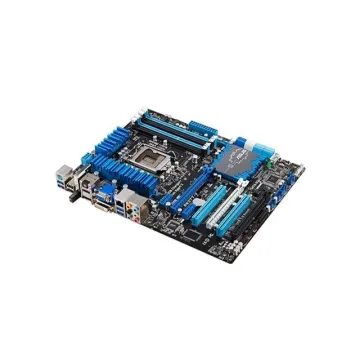
46W4392 - IBM System Board (Motherboard) for Flex System x220 Compute Node Types 2585
£529.32
Incl. VAT: £635.18
Add to Cart
-
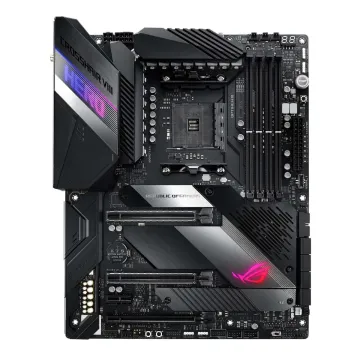
90MB10T0-M0EAY0 - ASUS AMD AM4 X570 ATX Gaming Motherboard
£587.15
Incl. VAT: £704.58
Add to Cart
-
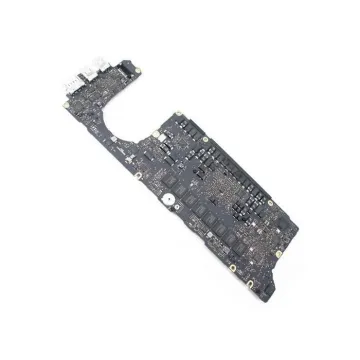
661-7346 - Apple Intel Core i5 2.6GHz CPU 8GB RAM Logic Board Logic Board (Motherboard) for MacBook Pro A1425
£327.28
Incl. VAT: £392.74
Add to Cart
-
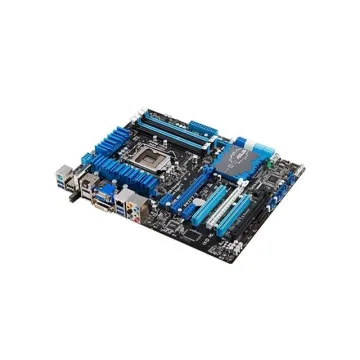
X8DTT-IBQF - Supermicro Intel Xeon 5600/5500 5520 Chipset System Board (Motherboard)
£739.73
Incl. VAT: £887.68
Add to Cart
-
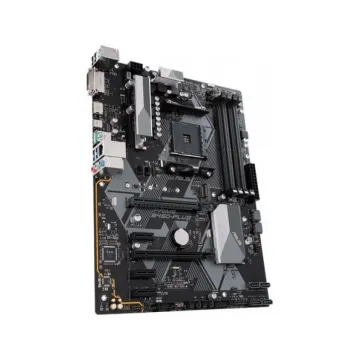
90MB0YF0-M0EAY1 - ASUS ROG STRIX Z390-E GAMING Intel Z390 Chipset DDR4 4x DIMM 6x SATA 6.0Gb/s ATX System board (Motherboard)
Request For Quotation
-
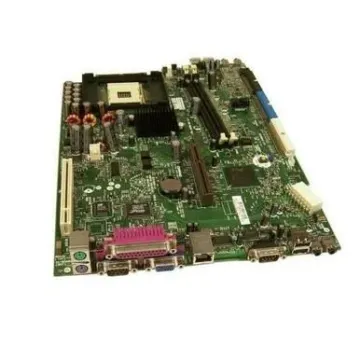
261983-001 - Compaq System Board for Evo D300/D510 UATX
Request For Quotation
-
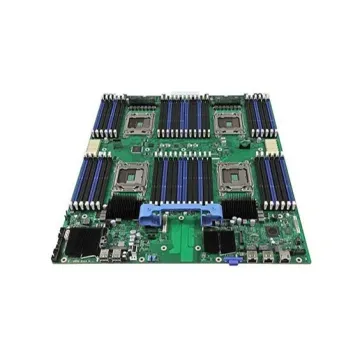
0T3KVK - Dell DDR3 24x DIMM FCLGA2011 Intel C600 Chipset System Board (Motherboard) for PowerEdge M620
£288.56
Incl. VAT: £346.27
Add to Cart
-
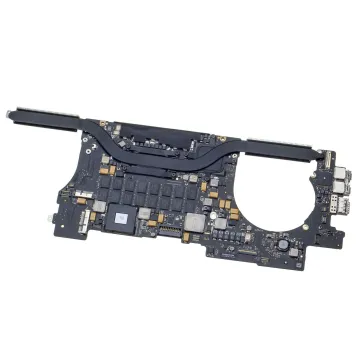
661-6484 - Apple Intel i7 2.6GHz CPU 8GB RAM Logic Board (Motherboard) for MacBook Pro Retina 15
£182.55
Incl. VAT: £219.06
Add to Cart
-
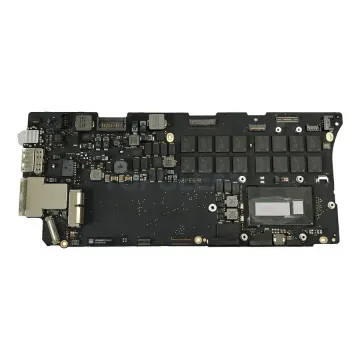
820-3476-A - Apple Intel i5 2.6GHz CPU 8GB RAM Logic Board (Motherboard) for MacBook Pro 13
£72.35
Incl. VAT: £86.82
Add to Cart
-
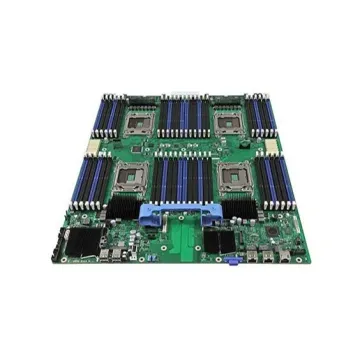
375-3473 - Sun 1.336GHz CPU System Board (Motherboard) for Netra 210
£1,349.82
Incl. VAT: £1,619.78
Add to Cart
-
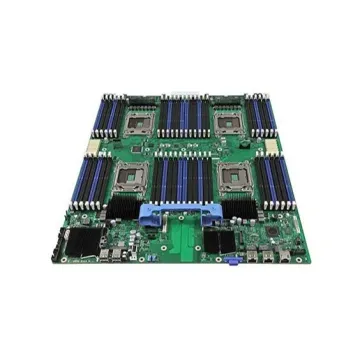
01KK46 - Dell Laptop Motherboard (System Mainboard) i5-520UM 1.06GHz for Alienware M11xR2
£128.25
Incl. VAT: £153.90
Add to Cart
-
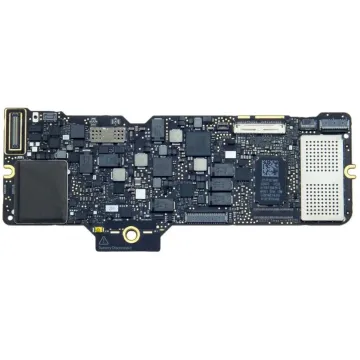
923-00470 - Apple Logic Board (Motherboard)Ground Clip for MacBook 12-inch Retina A1534
£57.62
Incl. VAT: £69.14
Add to Cart