Motherboards Classification
Motherboards Classification
Motherboards are always the mainframe in a computing platform, whether a server, desktop, or recycled laptop. These interfaces allow the processors, memory, and all other biological peripherals to communicate effectively and thus contribute to the stability and performance of the computer by providing an interface to connect to other devices. As time has passed, the form and features of motherboards have progressed intensely. The initial motherboards were uncertain and short of advanced features like configured graphics and top-tier networking. However, as technology has become more advanced, motherboards have adopted these features, which have enhanced their performance.
Read more about Motherboards Classification
-
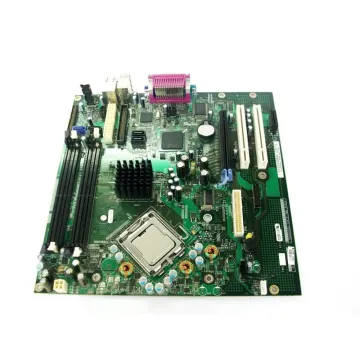
0F8098 - Dell System Board (Motherboard) for OptiPlex GX620
£117.16
Incl. VAT: £140.59
Add to Cart
-
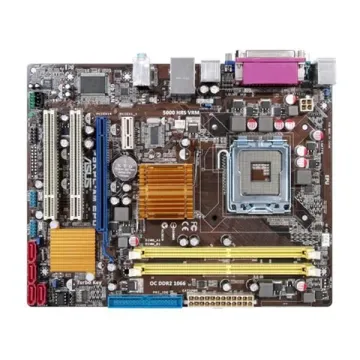
90-MIB9N0-G0EAY00Z - ASUS P5KPL-AM Socket LGA775 Intel G31/ICH7 Chipset micro-ATX Motherboard
Request For Quotation
-

MBWA406002 - Gateway System Board (Motherboard) for Md2614u Laptop
£204.95
Incl. VAT: £245.94
Add to Cart
-
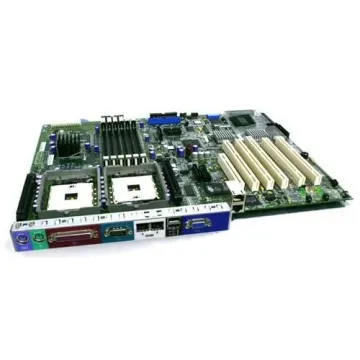
41W1423 - IBM Lenovo 3000 V100 V 100 System Board
£143.31
Incl. VAT: £171.97
Add to Cart
-

MBD-X5DA8-B - SuperMicro E7505 Chipset Intel Xeon up to 3.2GHz Processors Support Dual Socket mPGA604 Extended-ATX Server Motherboard
£653.92
Incl. VAT: £784.70
Add to Cart
-
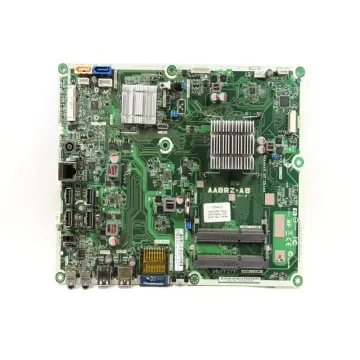
698060-001 - HP Socket FT1 System Board (Motherboard) for Pavilion 20 Series AI/O Desktop PC Supports AMD E1-1200 DDR3 2x DIMM
£131.39
Incl. VAT: £157.67
Add to Cart
-
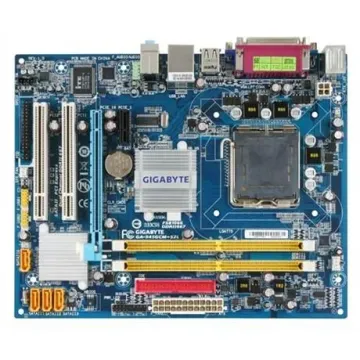
GA-945GCM-S2L - Intel Desktop Motherboard Socket LGA775 DDR2 micro ATX
Request For Quotation
-
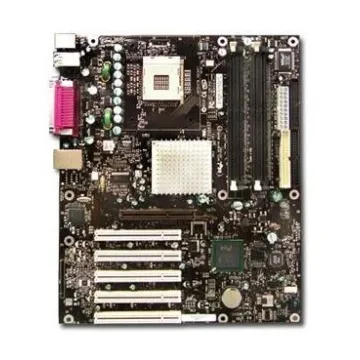
D875PBZ-4000823 - Intel 875P Chipset Desktop System Board (Motherboard)
£264.74
Incl. VAT: £317.69
Add to Cart
-
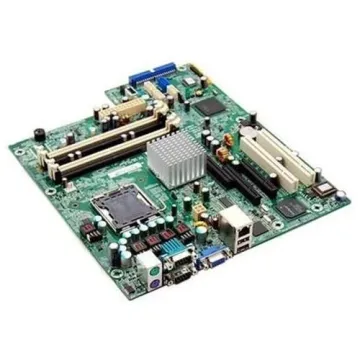
MBP3307005 - Acer Desktop Motherboard 761GX-M754
£90.40
Incl. VAT: £108.48
Add to Cart
-
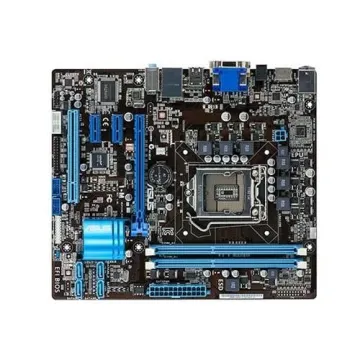
P5B-VDHDELUXE/HDMI - Asus Intel G965/ CH8R Chipset Socket LGA775 ATX Motherboard
£289.59
Incl. VAT: £347.51
Add to Cart
-
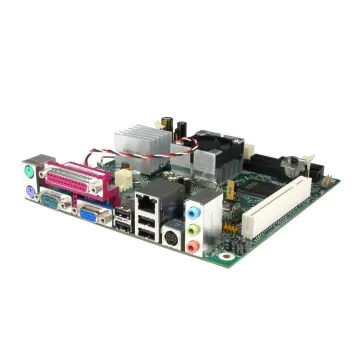
D945GCLF2 - Intel Essential Series Mini-ITX DDR2 667 Intel Graphics Integrated Atom Processor Desktop Board
Request For Quotation
-

x8dal-3-o - SuperMicro Intel 5500 Chipset Xeon Processors Support Dual Socket 1366 ATX Server Motherboard
Request For Quotation