Motherboards Classification
Motherboards Classification
Motherboards are always the mainframe in a computing platform, whether a server, desktop, or recycled laptop. These interfaces allow the processors, memory, and all other biological peripherals to communicate effectively and thus contribute to the stability and performance of the computer by providing an interface to connect to other devices. As time has passed, the form and features of motherboards have progressed intensely. The initial motherboards were uncertain and short of advanced features like configured graphics and top-tier networking. However, as technology has become more advanced, motherboards have adopted these features, which have enhanced their performance.
Read more about Motherboards Classification
-
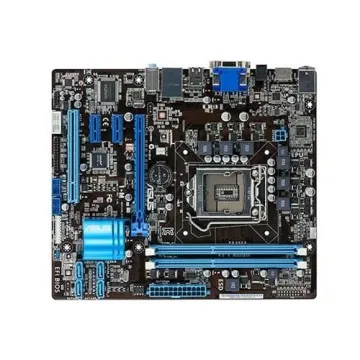
P5N32SLIPREMIUM - Asus P5n32-sli Premium Intel Socket775 Motherboard Wifi
£418.56
Incl. VAT: £502.27
Add to Cart
-
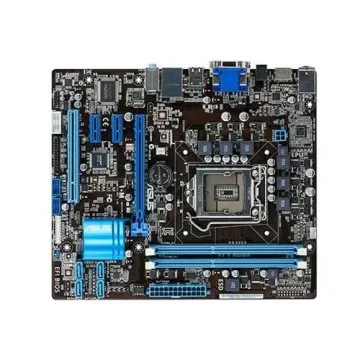
90-MIB6S0-G0EAY0KZ - Asus P5KPL-AM SE Motherboard LGA775 Intel G31 mATX SATA LAN
£232.21
Incl. VAT: £278.65
Add to Cart
-

434660-001 - HP Socket 478 Intel 945PM Chipset ATX System Board (Motherboard) for Pavilion DV9000 Series Supports Core 2 Duo Series DDR2 2x DIMM
£497.45
Incl. VAT: £596.94
Add to Cart
-
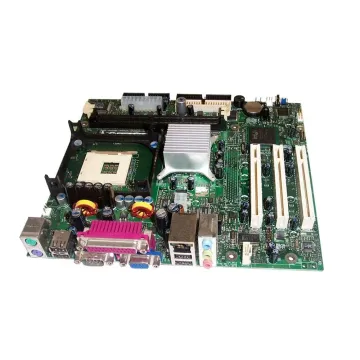
D845EPI - Intel Socket PGA478 Intel 845GV Chipset Micro-ATX System Board (Motherboard)
£297.43
Incl. VAT: £356.92
Add to Cart
-
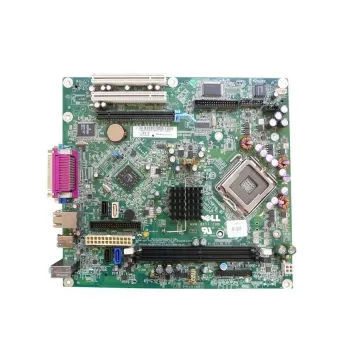
0MH651 - Dell System Board (Motherboard) for OptiPlex 320
£66.38
Incl. VAT: £79.66
Add to Cart
-
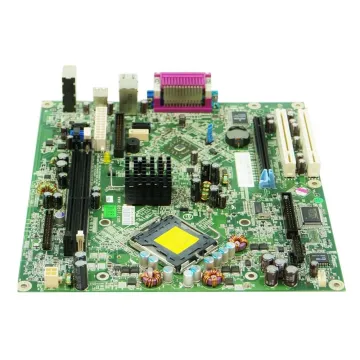
TY915 - Dell Socket LGA775 ATI Radeon Xpress 1100 Chipset ATX System Board (Motherboard) for OptiPlex 320 Supports Pentium D 900/800 / Pentium 4 600/500 / Celeron D 300 Series DDR2 2x DIMM
£74.93
Incl. VAT: £89.92
Add to Cart
-
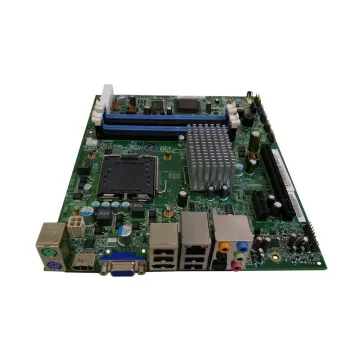
MBG8101001 - Gateway SX2800-01 Desktop System Board (Motherboard)
£76.25
Incl. VAT: £91.50
Add to Cart
-
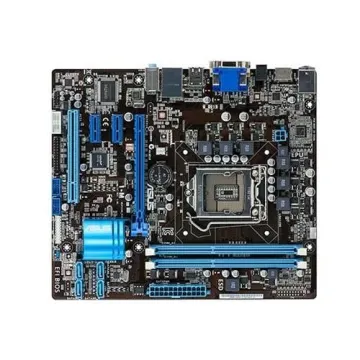
61-MIB8Q2-01 - Asus P5ql-Vm Epu/Cm5570 Desktop Motherboard S775
£330.76
Incl. VAT: £396.91
Add to Cart
-
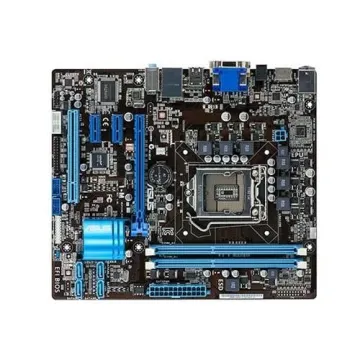
p8h67 - Asus Intel H67 (B3) Chipset 2nd Generation Core i7/ Core i5/ Core i3 Processors Support Socket LGA1155 ATX Motherboard
Request For Quotation
-
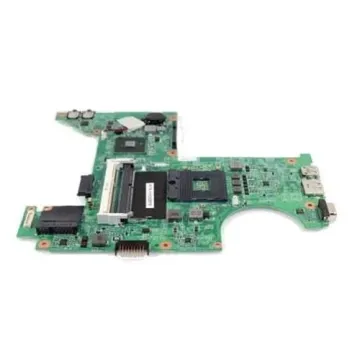
RK936 - Dell System Board (Motherboard) for Vostro 200
£83.30
Incl. VAT: £99.96
Add to Cart
-
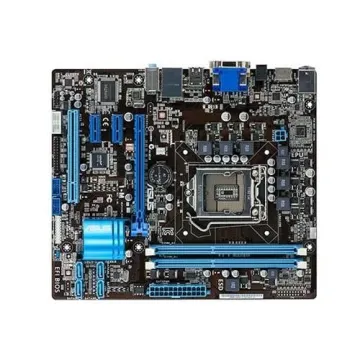
90-MIBAM5-G0ECY0GZ - ASUS P5G41-M Intel G41/ ICH7 Chipset Core 2 Quad/ Core 2 Extreme/ Core 2 Duo/ Pentium Dual-Core/ Celeron Dual-Core/ Celeron
£139.80
Incl. VAT: £167.76
Add to Cart
-
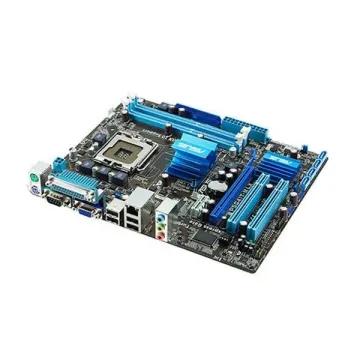
P5G41-MLX2/GB - ASUS P5G41-M LX2/GB Intel G41 Socket 775 mATX Motherboard w/Video Audio & GB LAN
£181.27
Incl. VAT: £217.52
Add to Cart