Motherboards Classification
Motherboards Classification
Motherboards are always the mainframe in a computing platform, whether a server, desktop, or recycled laptop. These interfaces allow the processors, memory, and all other biological peripherals to communicate effectively and thus contribute to the stability and performance of the computer by providing an interface to connect to other devices. As time has passed, the form and features of motherboards have progressed intensely. The initial motherboards were uncertain and short of advanced features like configured graphics and top-tier networking. However, as technology has become more advanced, motherboards have adopted these features, which have enhanced their performance.
Read more about Motherboards Classification
-

710326-001 - HP 2nd CPU Riser Board Only for Z640 Workstation
£874.11
Incl. VAT: £1,048.93
Add to Cart
-

PEM620V4 - Dell Daughter Card for PowerEdge M620 V4
Request For Quotation
-

PEM620V6 - Dell Daughter Card for PowerEdge M620 V4
£527.12
Incl. VAT: £632.54
Add to Cart
-
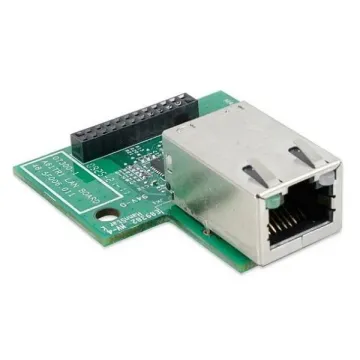
454519-001 - HP System Board (Motherboard) for ProLiant DL320G
£83.07
Incl. VAT: £99.68
Add to Cart
-
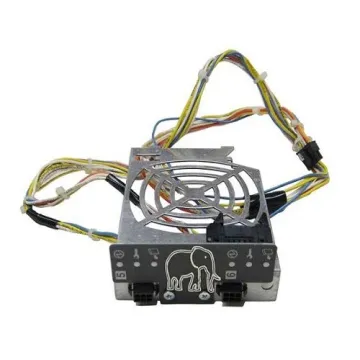
370-3960 - Sun Fan Status Flex Circuit System Board (Motherboard)
£50.00
Incl. VAT: £60.00
Add to Cart
-
03K9038 - IBM xSeries x440/x450 System Board (Motherboard)
£50.00
Incl. VAT: £60.00
Add to Cart
-
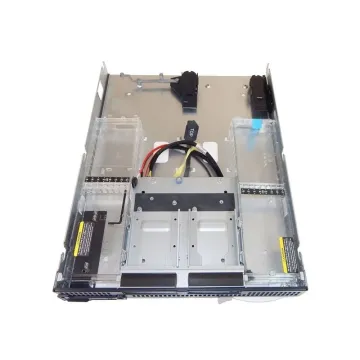
581662-001 - HP BL685c G7 Bare Chassis System Board (Motherboard)
£134.65
Incl. VAT: £161.58
Add to Cart
-
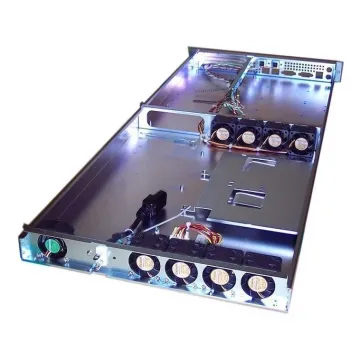
PEM620V2 - Dell Blade Chassis V2 System Board (Motherboard) for PowerEdge M620
£354.89
Incl. VAT: £425.87
Add to Cart
-
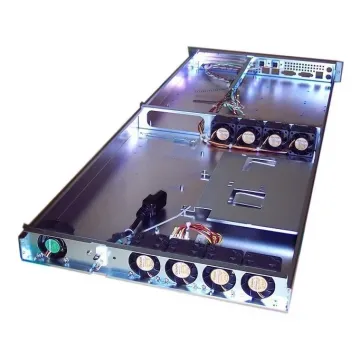
PEM630V4-CHASSIS - Dell CTO Chassis V4 System Board (Motherboard) for PowerEdge M630
£819.99
Incl. VAT: £983.99
Add to Cart
-

D1718 - Dell D505 Latitude Laptop Motherboard
£127.29
Incl. VAT: £152.75
Add to Cart
-
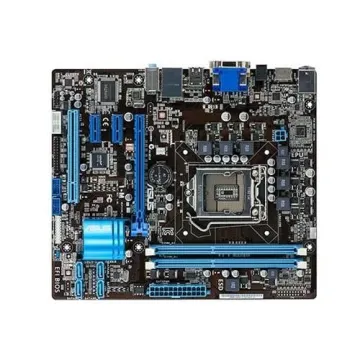
P8H61-MLE/CSM-R20 - Asus Intel H61(B3) Chipset 2200MHz DDR3 8-Ch Audio Gigabit Lan USB 2.0 Socket 1155 ATX Motherboard
£160.21
Incl. VAT: £192.25
Add to Cart
-
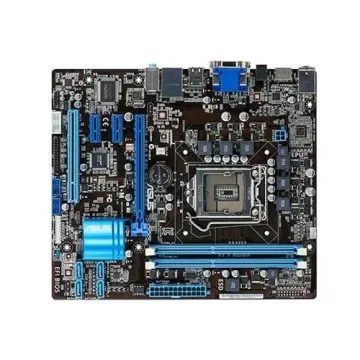
90-mib9i0-g0eay00z - Asus P7P55D Premium Intel P55 Chipset Socket LGA1156 ATX Motherboard
£366.04
Incl. VAT: £439.25
Add to Cart
