Motherboards Classification
Motherboards Classification
Motherboards are always the mainframe in a computing platform, whether a server, desktop, or recycled laptop. These interfaces allow the processors, memory, and all other biological peripherals to communicate effectively and thus contribute to the stability and performance of the computer by providing an interface to connect to other devices. As time has passed, the form and features of motherboards have progressed intensely. The initial motherboards were uncertain and short of advanced features like configured graphics and top-tier networking. However, as technology has become more advanced, motherboards have adopted these features, which have enhanced their performance.
Read more about Motherboards Classification
-

661-3877 - Apple 1.83GHz CPU Logic Board (Motherboard) for iMac
£1,883.41
Incl. VAT: £2,260.09
Add to Cart
-
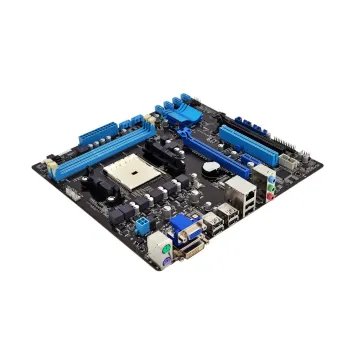
PCE-5127G2-00A1E - Advantech Lga1155 Socket Q77 Chipset USB 3 Motherboard
Request For Quotation
-
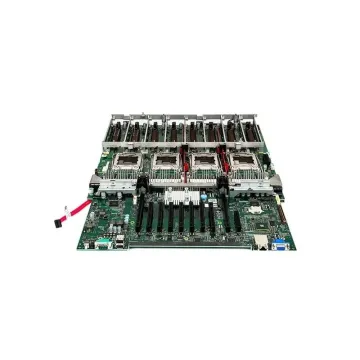
0FPVPH - Dell System Board (Motherboard) for PowerEdge R930 Server
Request For Quotation
-
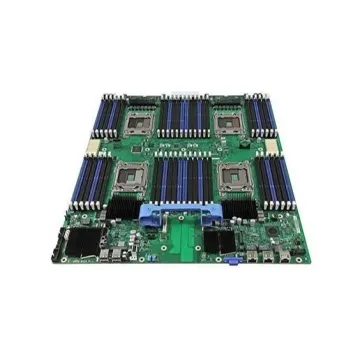
375-0105 - Sun Ray 100 System Board (Motherboard)
Request For Quotation
-

661-00193 - Apple Intel Core i7 4GHz CPU 2GB Logic Board (Motherboard) for iMac 27-inch Retina 5K Late 2014
£808.20
Incl. VAT: £969.84
Add to Cart
-
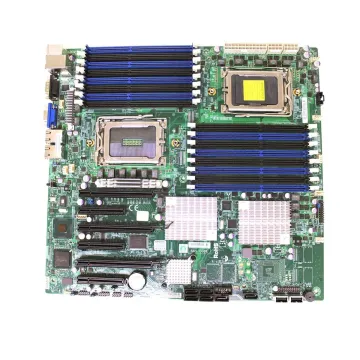
022HK9 - Dell System Board (Motherboard) for PowerEdge M830 Server
Request For Quotation
-

00AL597 - Lenovo System Board (Motherboard) with Intel Xeon E5-2600 v3 Series Socket FCLGA2011-3 for System x3500 M5 Server
Request For Quotation
-

661-00677 - Apple 2.5GHz CPU 16GB RAM Integrated GPU Logic Board (Motherboard) for MacBook Pro A1398
£184.00
Incl. VAT: £220.80
Add to Cart
-
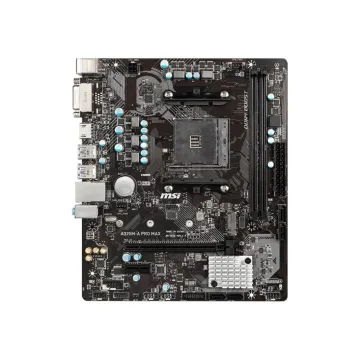
A320MAPMAX - MSI A320M-A PRO MAX Socket AM4/ AMD A320/ DDR4/ SATA3 / USB3.2/ M.2/ m-ATX Motherboard
Request For Quotation
-
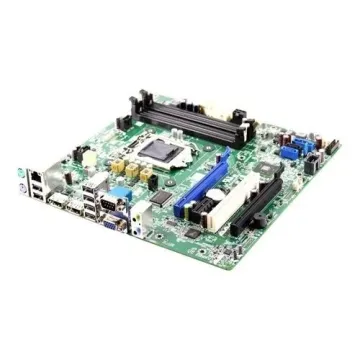
45CTD - Foxconn Intel 945GC + ICH7 DDR3 Mini-ITX System Board (Motherboard)
Request For Quotation
-

661-5204 - Apple 3.06GHz CPU Logic Board (Motherboard) for MacBook Pro A1297
Request For Quotation
-

661-02244 - Apple 1.1GHz CPU 256GB Logic Board (Motherboard) for MacBook Retina 12-inch A1534
£1,373.25
Incl. VAT: £1,647.90
Add to Cart