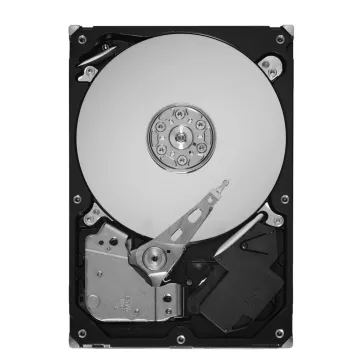
9DC04G-501
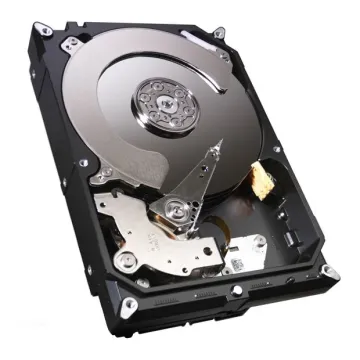
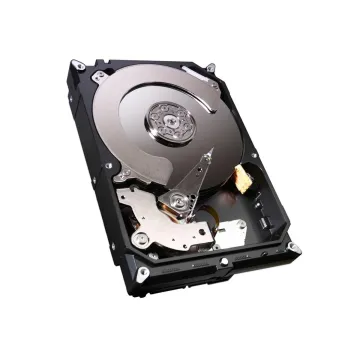
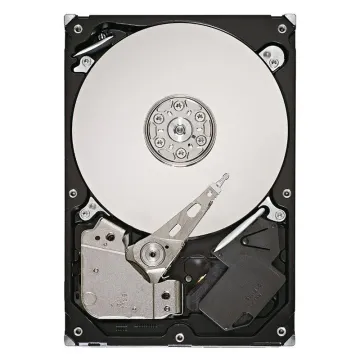
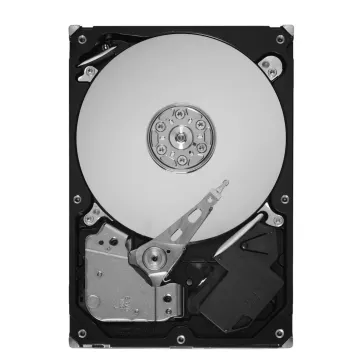
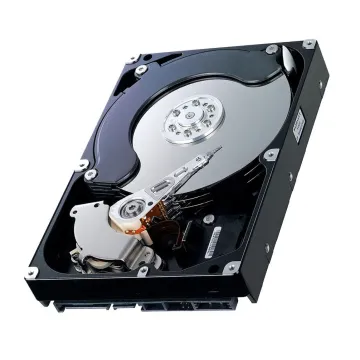
Seagate 9DC04G-501 320GB 7200RPM IDE/ATA 3.5-inch Hard Drive
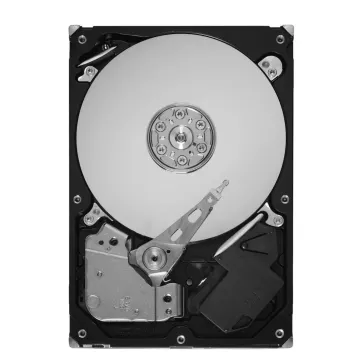
Seagate 9BL148-039 750GB 7200RPM SATA 3Gb/s 3.5-inch Hard Drive
Seagate 9YP131-303 250GB 7200RPM SATA 6Gb/s 3.5-inch Hard Drive
Lenovo 43R1990 500GB 7200RPM SATA 3Gb/s 3.5-inch Hard Drive
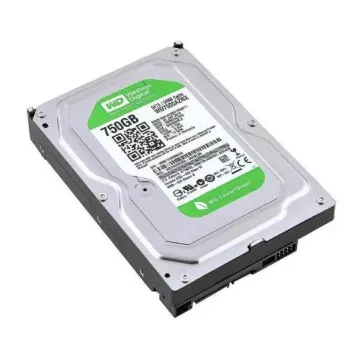
WD WD7500AZRX 750GB 5400RPM SATA 6Gb/s 3.5-inch Hard Drive
HP 634603-001 250GB 7200RPM SATA 3.5-inch Hard Drive
IBM 42C0463 250GB 7200RPM SATA 3Gb/s 3.5-inch Hard Drive
IBM 45J6196 250GB 7200RPM SATA 5Gb/s 3.5-inch Hard Drive
IBM 71P7299 250GB 7200RPM SATA 3Gb/s 3.5-inch Hard Drive
Seagate 9YP154-519 1TB 7200RPM SATA 6Gb/s 3.5-inch Hard Drive
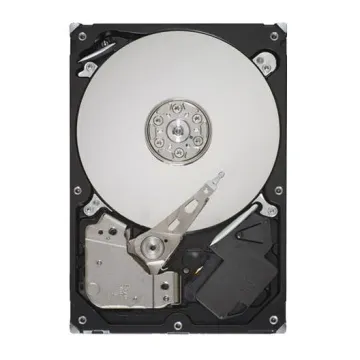
Seagate ST3500641NS 500GB 7200RPM SATA 3Gb/s 3.5-inch Hard Drive
A true desktop hard drive will be of the 3.5" hard drive form factor, designed specifically for tower PCs, workstations and business desktops featuring dedicated drive bays and SATA power and data connections. This format emphasises capacity and durability to write rather than shock resistance, as opposed to portable formats. UK customers tend to consider the rotational speed (7200RPM), the amount of cache (64MB to 256MB) and the platter density when choosing an internal desktop HDD. All these affect file transfer speeds and multitasking behaviour. These drives are perfectly suited to secondary drives, media archives and cost-effective system expansion where SSDs are not the only concern – modern SATA III interfaces offer up to 6Gbps. Desktop drives are part of the larger Internal Storage, which laptop computers, printers, PCs, and servers use.
When selecting a desktop hard drive, consider the interface, chassis compatibility and workload so you don't encounter the hassle of installation. Here are the 3 important things to look for when buying.
Make sure your motherboard has a standard SATA port and that there's a free SATA power connector on the desktop PSU for your easy SATA desktop hard drive installation.
Verify that your chassis provides a vibration-dampened free 3.5-inch drive bay with good airflow for use as part of an all-day, every-day desktop storage configuration in UK offices.
If you need a computer hard drive replacement, make sure it's either a like-for-like or larger capacity drive and that your system BIOS recognises the drive before you start any data migration.
A correct drive format will ensure trouble-free downtime and data storage. Faster Boot times can also be compared, with buyers considering solid-state drives as their primary system. Perfect matching ensures years of stable local archiving for a correctly matched desktop drive.
Each desktop PC, laptop, and business workstation requires a different combination of internal storage. A typical desktop system will be able to run both 2.5 and 3.5 drives with either an SSD boot drive and a larger HDD capacity. When it comes to tablet and notebook upgrades, try our laptop hard drive selection; laptops may need to fit a smaller 2.5-inch drive or M.2 SSD when space is a concern. Common use cases in the UK involve office PCs equipped with NVMe SSDs for productivity tasks, laptops for remote working that need to store a lot of files with low power consumption, and design workstations that need to store a lot of files in a fast NVMe SSD, whilst also having an economical HDD for archiving.
UK buyers need to ensure capacity is in line with workload. For general office, files, applications, and medium media storage, use a 1 TB desktop hard drive. Expand photo libraries, project folders, or local retention with a 2 TB desktop hard drive upgrade. A 4 TB desktop hard drive combines several smaller drives into a single organized volume, ideal for creative professionals and data-driven workstations. The high-capacity desktop hard drives are still the most cost-effective when you are looking for backup for video or system backups, where SSD-class speed is not a priority if the data set is large. Leave 15% free space at all times for the best controller performance and wear level.
Standard desktop HDDs are not interchangeable with every other storage category. Desktop drives use the 3.5-inch format, whereas portable systems usually require a laptop hard drive or compact M.2 SSD. Office print hardware often needs a printer hard drive with model-specific firmware rather than a general desktop unit. For rack servers and enterprise storage arrays, choose a dedicated server hard drive designed for 24/7 workloads and SAS interfaces. Understanding these differences prevents costly returns. If your system is a standard tower or mini-tower with removable drive caddies, a desktop SATA drive is appropriate. For slim desktops, always verify bay height first.
We stock UK-based desktop HDDs in 1TB, 2TB, and 4TB capacities with fast nationwide delivery. IT resellers and business buyers benefit from competitive pricing and expert compatibility support. Whether you need a single replacement or bulk storage deployment, choose dependable options for desktop upgrades. Explore our full Storage Devices catalogue for desktop, laptop, printer, server, and backup solutions.