Internal Storage

Buy Internal Storage for UK PCs, Laptops, Workstations, and Servers

When you need to buy internal storage uk for business or personal systems, reliability is non-negotiable. Whether it's a boot drive for the operating system or large amounts of data storage, internal storage UK buyers need parts that perform at a consistent level. These issues with failed or undersized drives directly affect productivity, uptime, and data access.BulkDevices UK offers reliable computer internal storage devices to IT teams, resellers, and trade buyers. Our internal hard drives UK are guaranteed to be delivered on time and in the right order, whether you're upgrading your one workstation or rolling out a volume replacement.
  • 0TU320 Dell

    0TU320

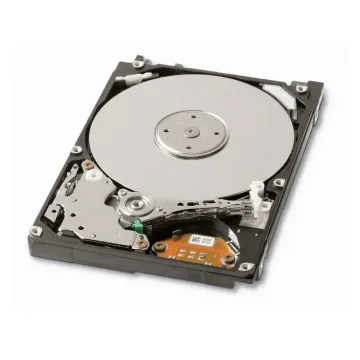
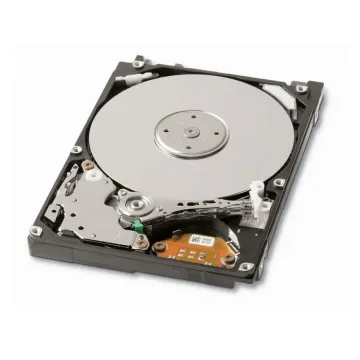
    0TU320 - Dell 120GB 5400RPM SATA 2.5-inch Internal Hard Disk Drive for Precision Mobile Workstation M65

    £94.80 Incl. VAT: £113.76
    Add to Cart
  • 0UH672 Dell

    0UH672

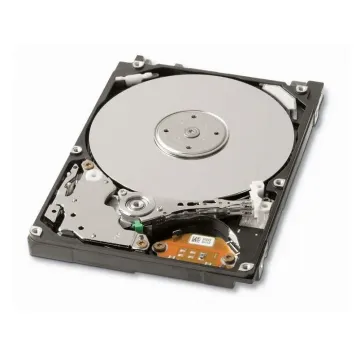
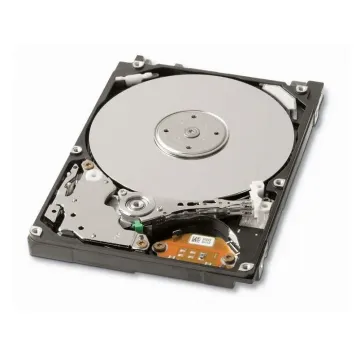
    0UH672 - Dell 60GB 7200RPM SATA 2.5-inch Internal Hard Disk Drive for Precision Mobile Workstation M65

    £192.54 Incl. VAT: £231.05
    Add to Cart
  • 0W104F Dell

    0W104F

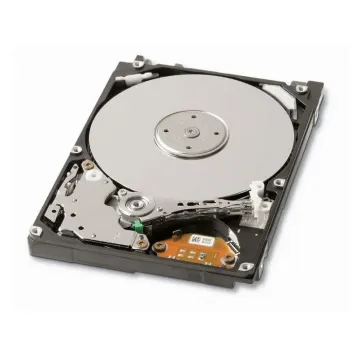
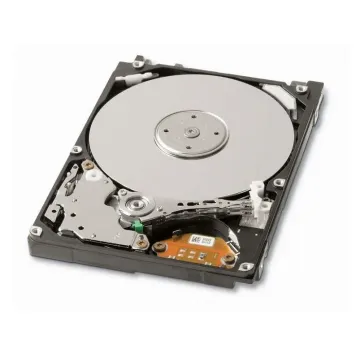
    0W104F - Dell 320GB 7200RPM SATA 3GB/s 2.5-inch Internal Hard Disk Drive for Precision M4300 Mobile Workstation

    £174.27 Incl. VAT: £209.12
    Add to Cart
  • 0X7614 Dell

    0X7614

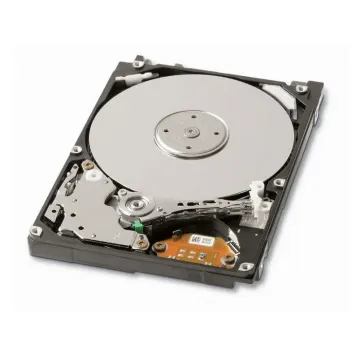
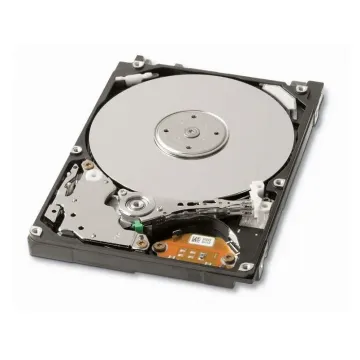
    0X7614 - Dell 80GB 5400RPM ATA-100 8MB Cache 2.5-inch Internal Hard Disk Drive for Precision Mobile Workstation M20

    £166.62 Incl. VAT: £199.94
    Add to Cart
  • 0XH657 Dell

    0XH657

    0XH657 - Dell 80GB 5400RPM ATA-100 8MB Cache 2.5-inch Internal Hard Disk Drive for Precision Mobile Workstation M65

    £166.62 Incl. VAT: £199.94
    Add to Cart
  • 0YG084 Dell

    0YG084

    0YG084 - Dell 80GB 7200RPM SATA 2.5-inch Internal Hard Drive for Precision Mobile Workstations M90, M6300

    £51.75 Incl. VAT: £62.10
    Add to Cart
  • 0YN187 Dell

    0YN187

    0YN187 - Dell 120GB 7200RPM SATA 2.5-inch Internal Hard Drive for Precision Mobile WorkStation M6300

    £84.32 Incl. VAT: £101.18
    Add to Cart
  • 13G1884 Hitachi

    13G1884

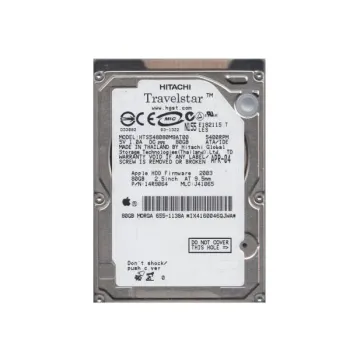
    13G1884 - Hitachi Travelstar 80GB 5400RPM IDE ATA 9.5mm 2.5-inch Laptop Hard Drive

    £154.70 Incl. VAT: £185.64
    Add to Cart
  • 14R9064 Hitachi

    14R9064

    14R9064 - Hitachi 80GB 5400RPM IDE 9.5mm 2.5-Inch Laptop Hard Drive

    £287.72 Incl. VAT: £345.26
    Add to Cart
  • 2M604MHR2030AT Fujitsu

    2M604MHR2030AT

    2M604MHR2030AT - Fujitsu Mobile 30GB 4200RPM ATA-100 2MB Cache 2.5-inch Hard Drive

    £125.75 Incl. VAT: £150.90
    Add to Cart
  • 340-8894 Dell

    340-8894

    340-8894 - Dell 60GB 5400RPM ATA/IDE 2.5-inch Internal Hard Disk Drive for Precision Mobile Workstation M60

    £75.26 Incl. VAT: £90.31
    Add to Cart
  • 341-0638 Dell

    341-0638

    341-0638 - Dell 80GB 7200RPM SATA 2.5-inch Internal Hard Disk Drive for Precision Mobile Workstation 380, X70, X90

    £113.10 Incl. VAT: £135.72
    Add to Cart

Understanding Internal SSD and HDD Storage Technologies

Choosing between internal SSD and HDD storage requires understanding two fundamentally different technologies. HDDs (hard disk drives) are mechanical, with spinning magnetic plates and mechanical read/write heads. For high-capacity backups, media archives, and other standard desktop applications where speed is not of paramount concern, they are still inexpensive. SSD (Solid State Drives) makes use of flash memory, which has none of the moving components found in conventional HDDs, offering virtually instant access time, reduced latency, power efficiency, and shock resistance. For business use, we also have our range of Solid State Drives, which can deliver faster enhancements. Match technology to workload: use SSDs for operating systems and current projects, and HDDs for bulk retention and scheduled data backups.

Choosing the Right Internal Storage for UK Business and IT Environments

Choosing internal storage involves aligning device type, workload, and life cycle expectations rather than just maximizing storage capacity. Here are three important criteria for selection.

  • Capacity Planning

    Scale storage capacity to actual workload demands, ranging from regular office computing and OS deployment to media editing, CAD, virtual machines, and even local backup retention.

  • Interface and Form Factor

    Before buying, make sure it is compatible with both the SATA and NVMe standards, as well as M.2, 2.5-inch, and 3.5-inch formats, and that it fits and is supported by the motherboard or chassis.

  • Endurance and Performance

    Think about read/write requirements, drive endurance levels, cache performance, workload metrics, etc., to ensure the selected storage will meet the needs of the intended UK business life cycle.

Choosing the right pc internal storage solutions minimizes downtime, eliminates compatibility issues, and provides greater value throughout the deployment lifecycle. If the drive is properly designed, it will yield for years and years, not months.

Internal Storage for PCs, Laptops, and Everyday Business Systems

Each desktop PC, laptop, and business workstation requires a different combination of internal storage. A typical desktop system will be able to run both 2.5 and 3.5 drives with either an SSD boot drive and a larger HDD capacity. When it comes to tablet and notebook upgrades, try our laptop hard drive selection; laptops may need to fit a smaller 2.5-inch drive or M.2 SSD when space is a concern. Common use cases in the UK involve office PCs equipped with NVMe SSDs for productivity tasks, laptops for remote working that need to store a lot of files with low power consumption, and design workstations that need to store a lot of files in a fast NVMe SSD, whilst also having an economical HDD for archiving.

Server Internal Storage Devices for Enterprise Workloads

There are large variations between server internal storage devices and standard consumer drives. Enterprise-class units are designed to run around the clock, over RAID environments, adverse vibration conditions, and long periods of transactional workloads. Organisations in the UK that use enterprise internal storage (EIS) solutions in rack servers, virtualized environments, and database platforms need drives that are more resilient, have error recovery controls, and can tolerate vibration. Common configurations range from high-throughput transactional systems using SAS HDD, enterprise SATA SSD, to NVMe drives for latency-sensitive financial or e-commerce systems. Branded servers like Dell PowerEdge, HPE ProLiant, and Lenovo ThinkSystem are compatible due to the different firmware and drive caddy needs of these systems.

Why Buy Internal Storage from BulkDevices UK?

We stock UK-based SSDs, HDDs, and enterprise drives with fast nationwide delivery. Trade buyers and IT professionals benefit from competitive volume pricing and expert specification support. For specialist office equipment replacements, view our printer hard drive range. For performance-focused upgrades, browse our solid-state drives catalogue. For portable device replacements, explore our laptop hard drive collection. Choose reliable internal storage for every deployment.

FAQ

What is the difference between an internal SSD and an internal HDD?
A: SSDs use flash memory and offer much faster performance, lower power consumption, and better durability. HDDs offer larger capacities at a lower cost for general storage and archival tasks where extreme speed is unnecessary.

How do I know if a drive is compatible with my desktop or laptop?
A: Compatibility depends on interface, form factor, physical bay size, and motherboard support. Check whether your system accepts SATA, M.2 SATA, or NVMe drives before purchasing any replacement.

Are enterprise server drives different from standard desktop drives?
A: Yes, enterprise drives are built for continuous operation, RAID environments, vibration-heavy server chassis, and higher endurance workloads, making them essential for critical business infrastructure rather than home use.

Should I choose SSD or HDD for a UK office PC?
A: SSDs are the best choice for operating systems and productivity software speed. HDDs remain useful where lower-cost bulk file storage is the main requirement, so many offices use both.